●Notes from building things
Blog
What I learn making small apps — the problems that started them, and the ones I still haven't solved.
Latest
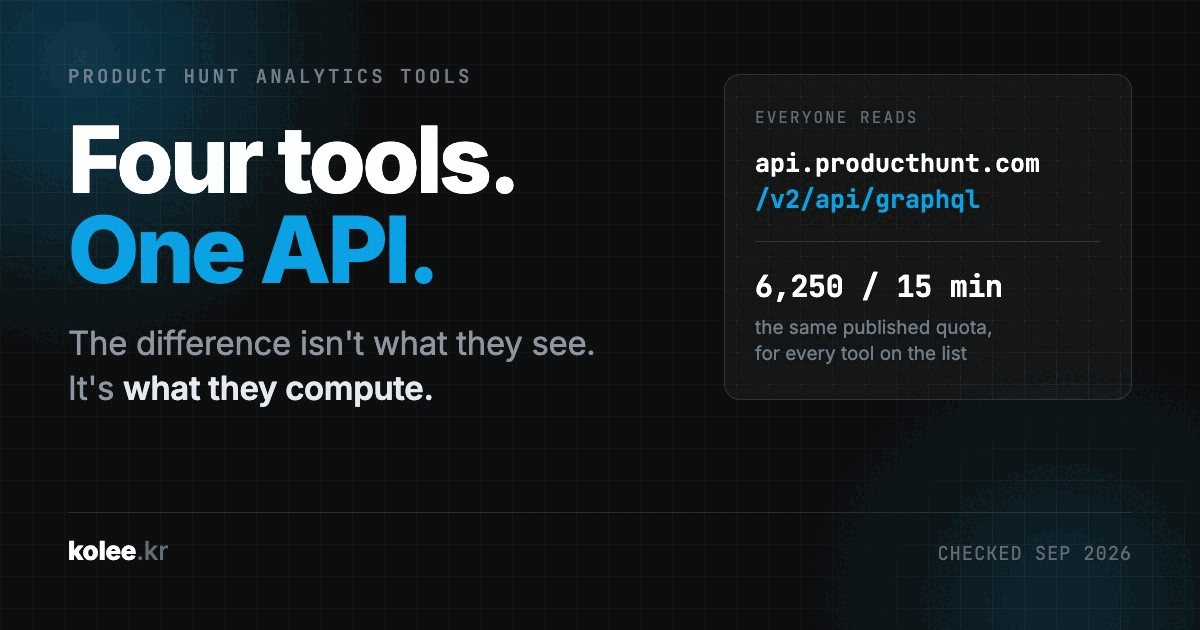
4 Product Hunt Analytics Tools in 2026 (They All Read the Same API)
Four Product Hunt analytics tools, opened and checked in September 2026. They all pull from the same public API under the same rate limit, so the thing that separates them is not what they know. It is what they compute.
Sep 25, 2026
All posts
25 postsSep 1, 2026
How to Reduce Eye Strain on Mac: Screen Settings and Apps That Actually Help (2026)
Your Mac screen is too harsh after sunset. Night Shift helps, but it's not enough. Here are the built-in settings, third-party tools, and one ambient lighting trick that changed how I work at night.
→
Aug 24, 2026
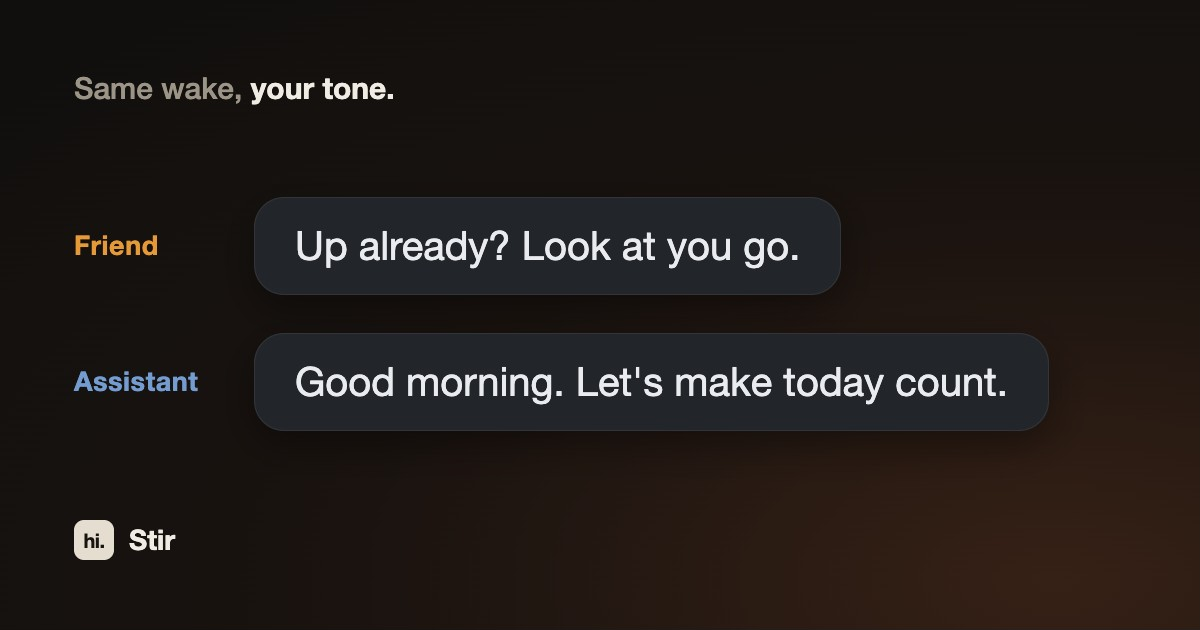
How to Use Stir: A Mac Wake-Up App, as Friend, Assistant, or Offline
The setups I actually use: Stir as a friendly nudge, as a sharp full-screen wake-up, and offline with no AI at all. Three settings decide everything.
→
Aug 17, 2026
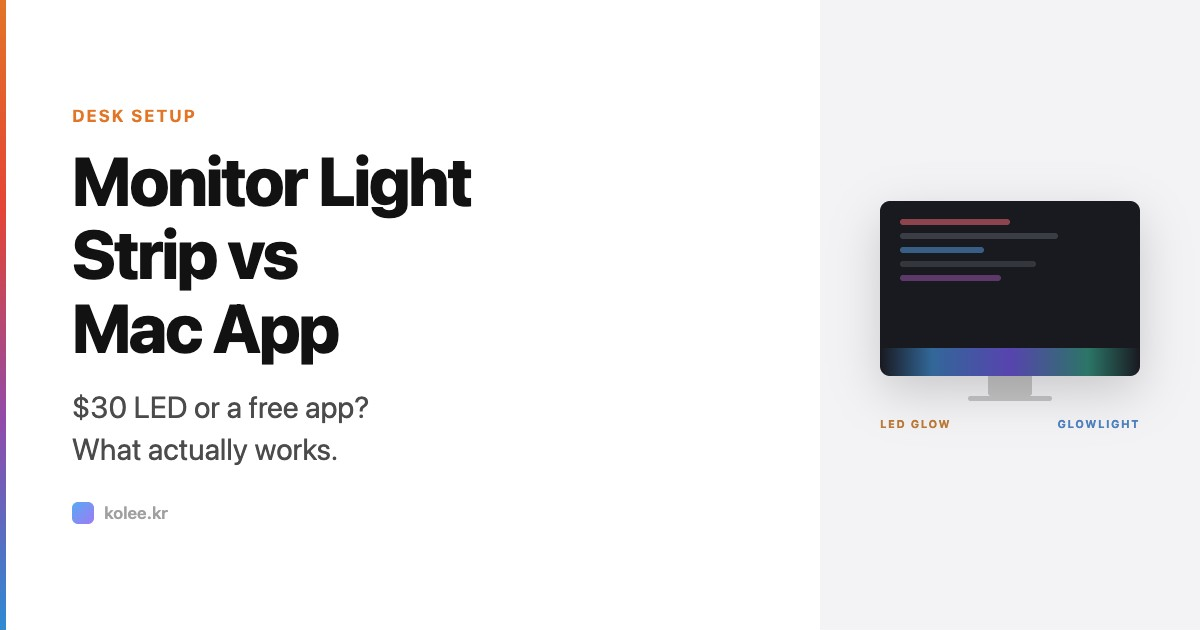
Monitor Light Strip vs Mac App: What $30-150 Buys You (2026)
LED bias lighting strips cost $30-150 and light up the wall behind your monitor. GlowLight costs nothing and creates ambient light on the screen itself. They solve the same problem differently. Here's when you need hardware, when software is enough, and when you want both.
→
Aug 12, 2026
Stop Using AI Only for Code
Every developer uses AI for code. Here are the uses beyond coding that actually stuck - from weather advice to birthday planning to an app that greets you when you open the lid.
→
Aug 1, 2026
How to Automate Your Downloads Folder on Mac with Ornix (Full Setup Guide)
Your Downloads folder already has too many files in it. Here's how to set Ornix up once, using every organizing feature it has, so it stops happening.
→
Aug 1, 2026
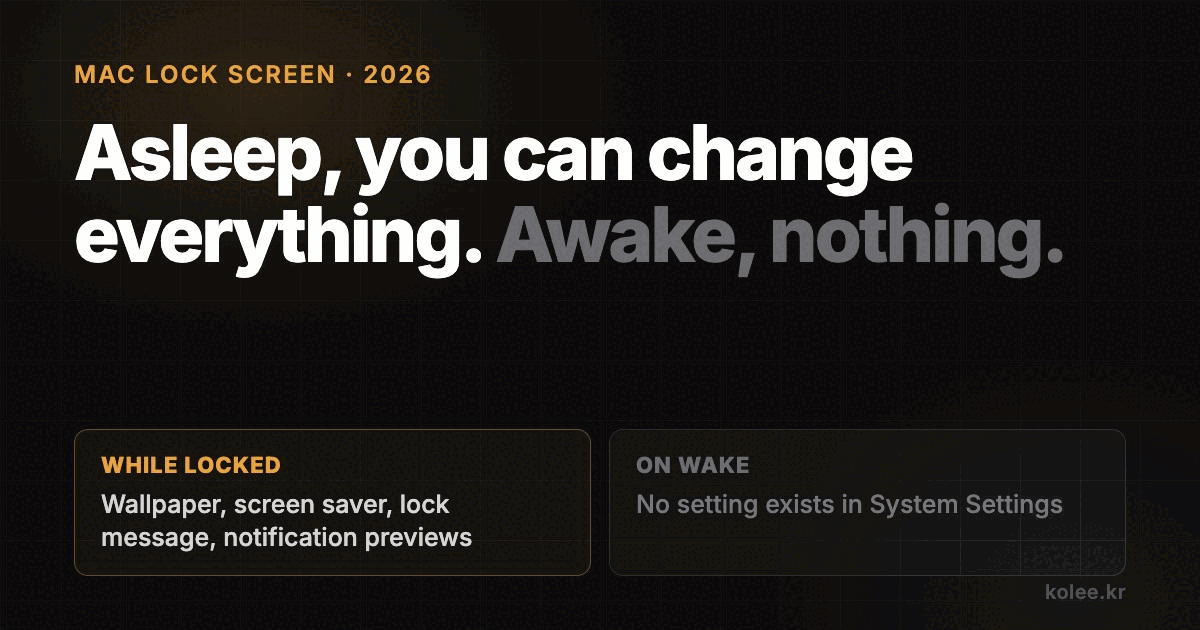
Customize Your Mac Lock Screen (and the Wake Screen macOS Forgot)
macOS lets you change almost everything about what your Mac shows while it is locked: wallpaper, screen saver, a custom lock message, which notifications strangers can read. It gives you nothing at all about the moment you open the lid again. Here is every setting that exists, and the one gap they leave.
→
Jul 17, 2026
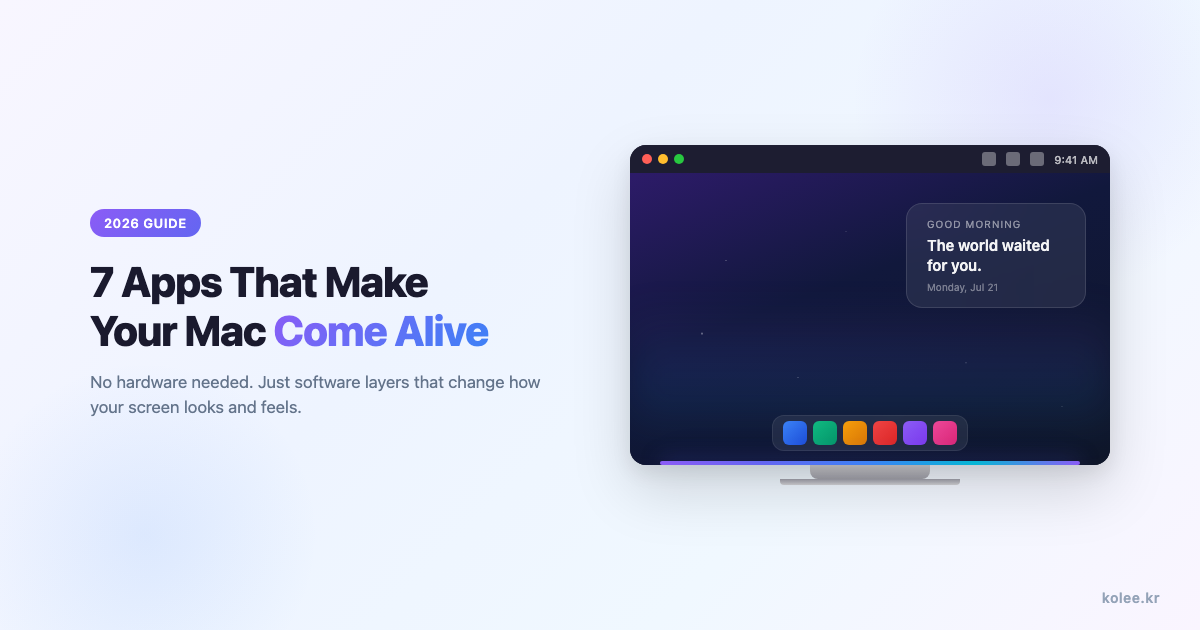
7 Mac Apps That Change How Your Screen Looks in 2026 (No Hardware Needed)
Most Mac customization guides start with LED strips and monitor arms. But the biggest visual changes come from software - 7 apps that each handle a different visual layer, from making your Mac feel alive to cleaning up the menu bar. All software, no hardware.
→
Jul 17, 2026
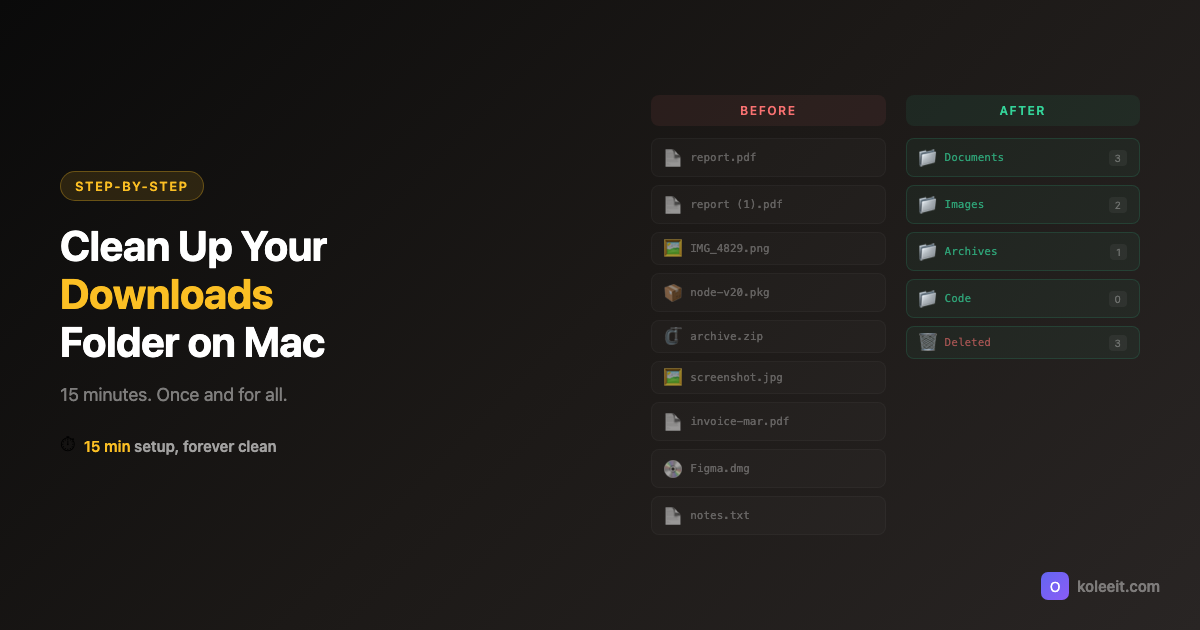
How to Clean Up Your Downloads Folder on Mac - Once and For All
Your Mac Downloads folder has hundreds of files you'll never open again. Here's a 15-minute cleanup method that actually sticks, plus how to stop the mess from coming back.
→
Jul 16, 2026
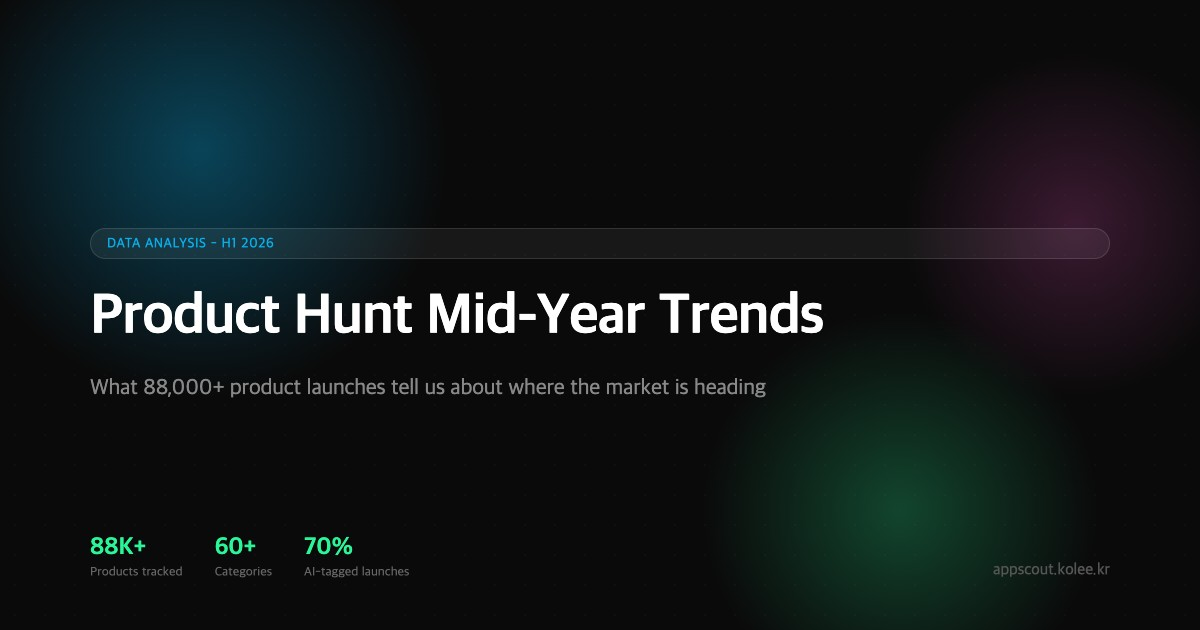
Product Hunt Trends 2026: The AI Rotation Nobody Reports
AI trends on Product Hunt rotate every four to six weeks. Here is the cycle we found in the launch data, plus the non-AI categories quietly growing.
→
1-9 / 25
Built an app out of most of these.
Every post here started as a problem I hit. Some of them turned into apps you can download.
See the apps →