
The question I hear most about Stir is not "why did you build it." It's "okay, I turned it on, now what." The intro post covered the why. This one is about the how, and the actual setups I've landed on after using it every day.
Quick refresher. Stir is a macOS app that shows a short overlay when your Mac wakes up (lid open, unlock, display on), holds it for one to eight seconds, then gets out of the way on its own. Whether that second is worth anything depends entirely on what you put in it. Three settings decide that: the overlay mode (Echo, Presence, or Random), where the greeting text comes from (an AI provider you connect, or fixed presets you type yourself), and which of the 22 themes you pick. That is the whole surface area. Everything below is just a different way of combining those three.
Using it like a friend
This is the setup for people who want one small, easy smile on the way into the day and nothing heavier than that.
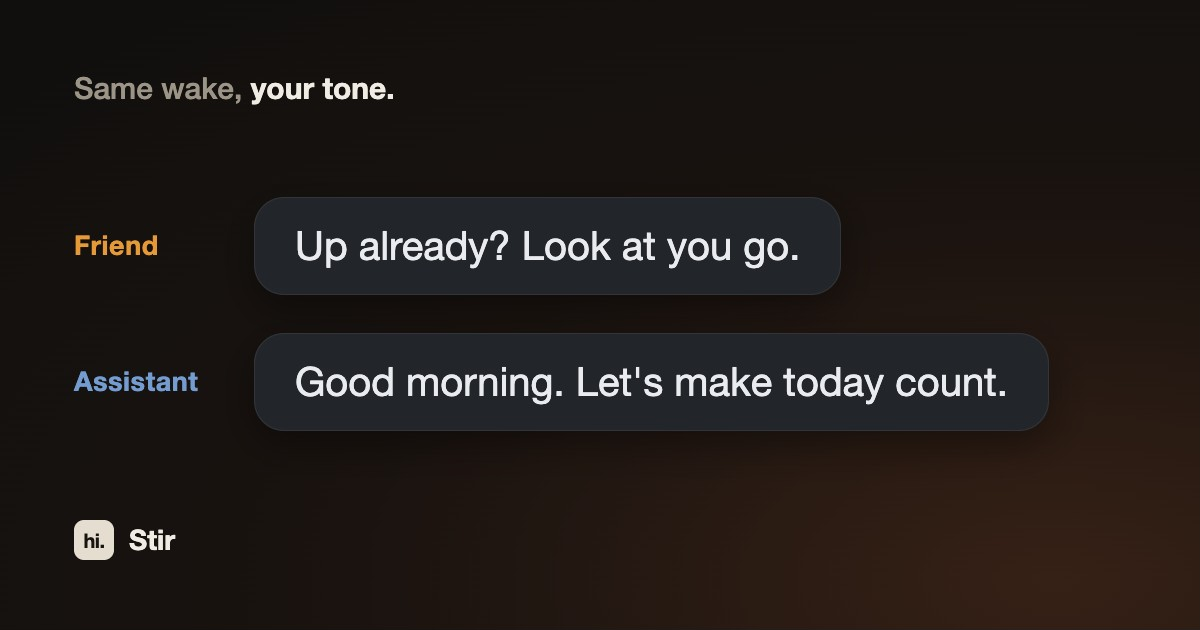
In Settings, connect an AI provider, then write the system prompt in a casual, joking voice. There is no "humor mode" toggle in Stir. The personality lives entirely in that system prompt box, as plain text you write. Something like "greet me like a close friend who teases me sometimes, keep it short and light" is enough, and every wake generates a fresh line in that character. Drop {name} in and it actually uses your name. Because you're describing the tone in your own words instead of picking from four fixed buttons like Motivational or Poetic or Humorous or Professional, you never get boxed into a preset personality.
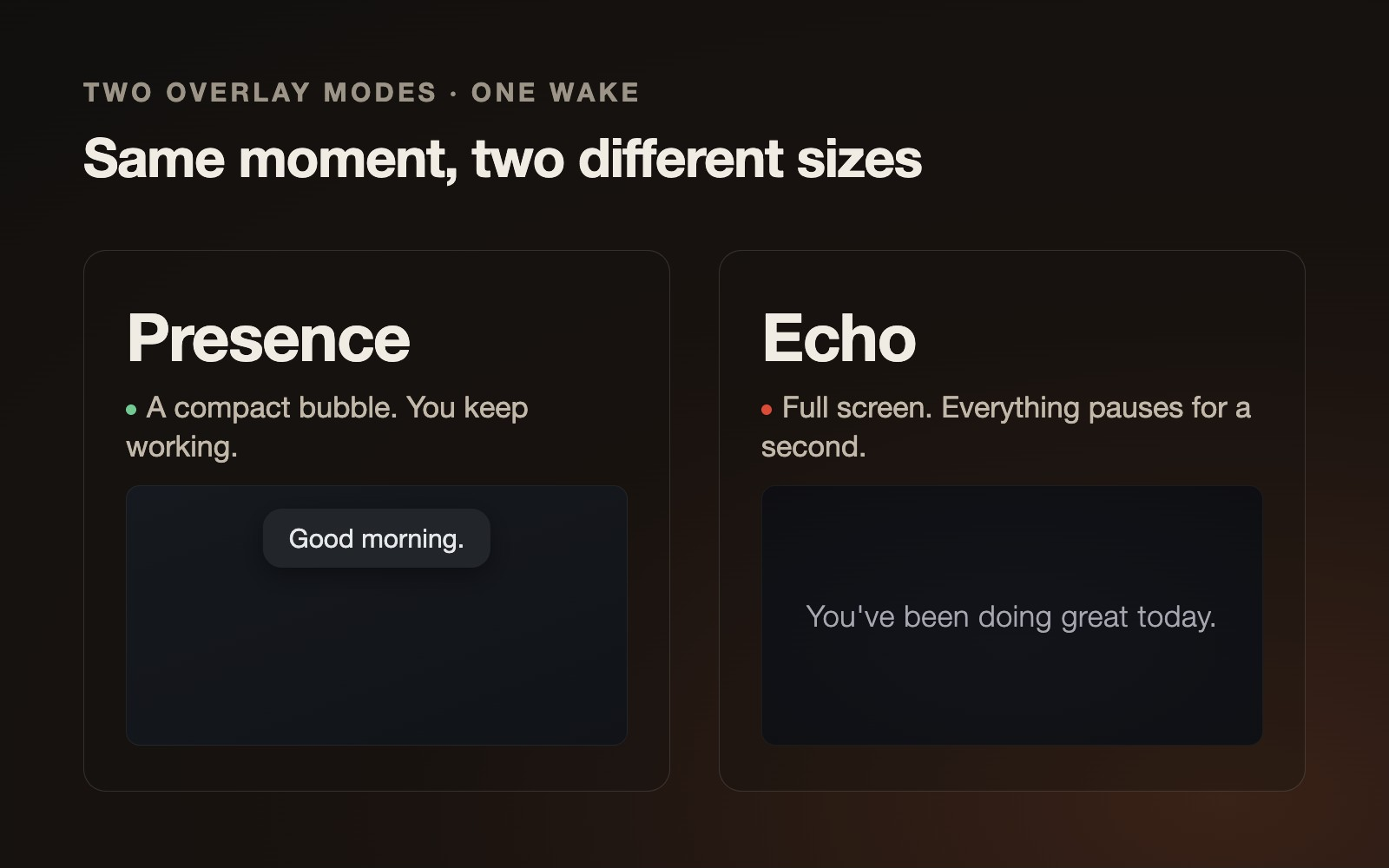
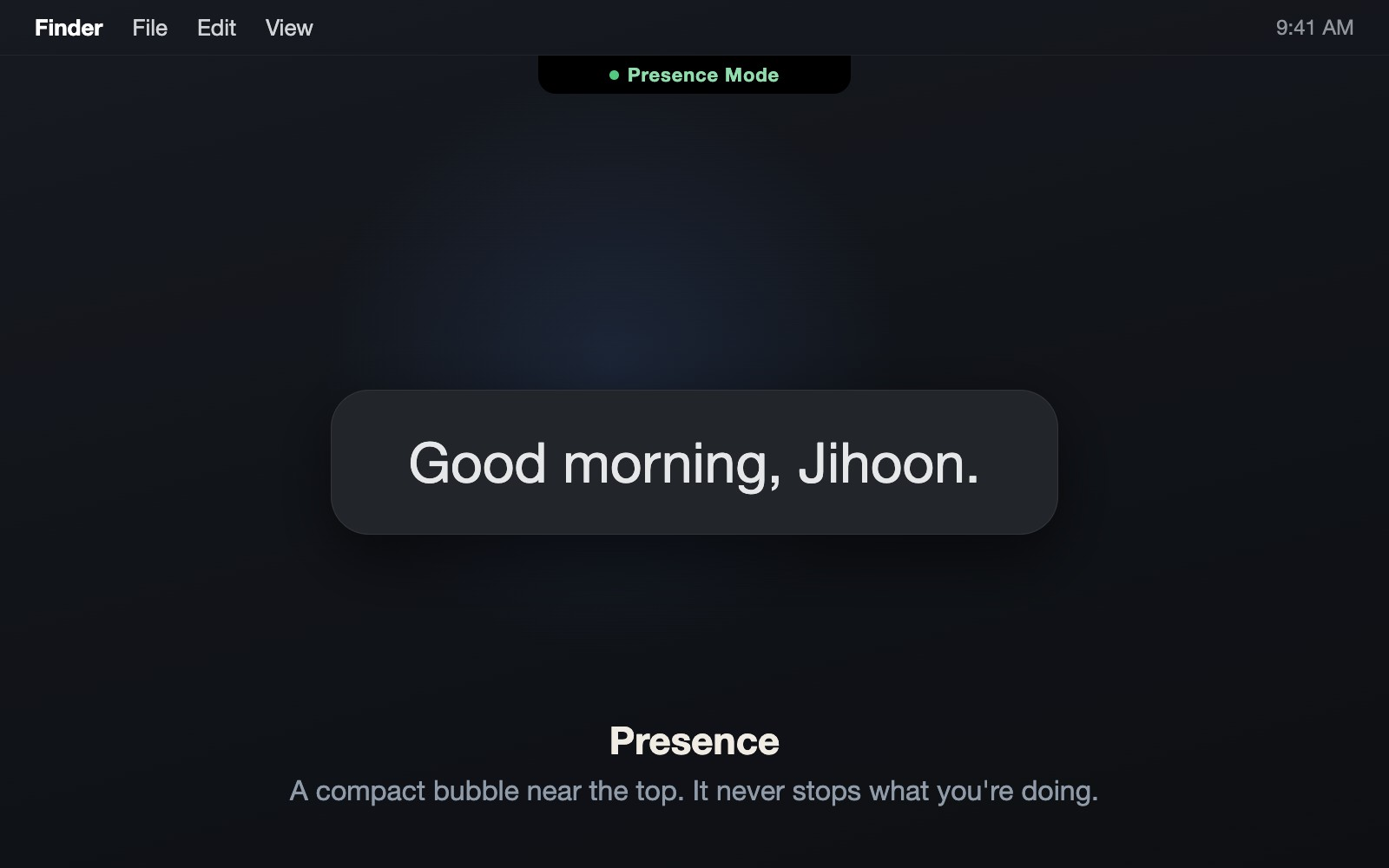
For the overlay mode, use Presence. It shows up as a compact bubble near the top of the screen, so it never stops what you're doing. For the theme, I stay on the lighter end of the six free ones (Minimal, Her, Terminal, Paper, Pulse, Grain). Pulse is the one I keep.
Using Stir as your Mac wake-up assistant
This one goes the opposite direction from the setup above.
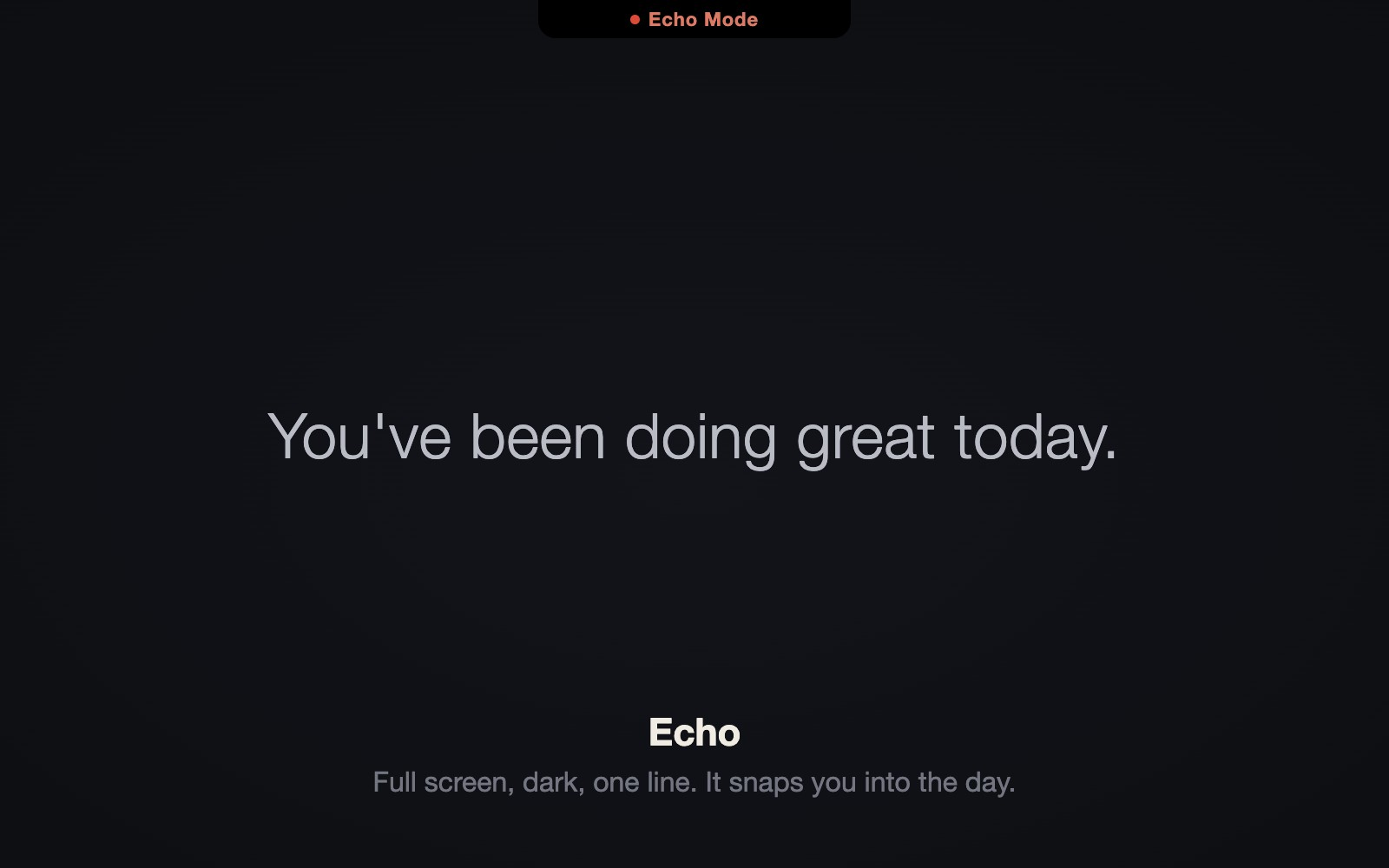
If you want the wake to actually snap you into focus, Echo in full screen is the right call. It takes the whole display for a moment and drops a single line of greeting in dark, minimal type. Write the system prompt toward professional or motivational instead of playful.
On top of that I add two things. Quiet Hours (22:00 to 07:00 by default, and yes it handles schedules that cross midnight, so no overlay outside working hours). And Wake History, which logs when your Mac woke, which greeting showed, and your streak, all stored locally. The free tier keeps 7 days; Pro keeps it unlimited. None of it leaves the machine.
If you're asking which one to actually run, run the assistant setup on your work Mac. Echo's full-screen hit does a noticeably better job of flipping the switch at the start of the day than a quiet bubble does.
Using it without AI, or in several languages
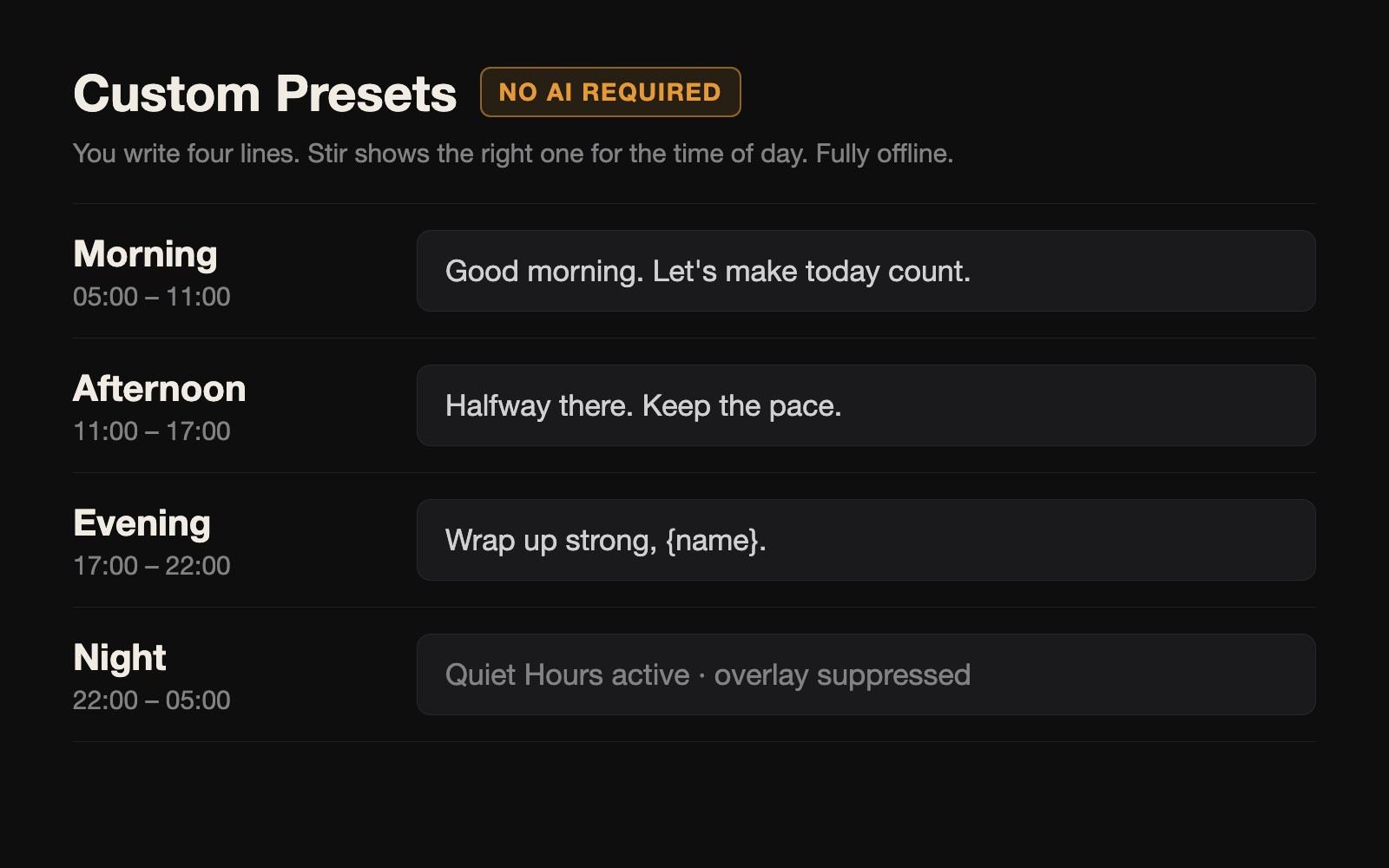
Not everyone wants to wire up an AI provider, so there's Custom Preset. You write your own lines for four blocks of the day (morning, afternoon, evening, night) and Stir shows the right one for the current time. Fully offline. Languages cover English, Korean, Japanese, Chinese, Spanish, French, German, plus a "follow system language" option. On a Mac the family shares, each account can set its own language and its own presets.
Using it quietly, for focus
Short version. A minimal free theme, display time set to one or two seconds, and Quiet Hours set generously. You get the wake acknowledgment and nothing else.
The point
Stir does one thing: it fills the few seconds of waking up. No weather, no calendar. No account, no telemetry, no cloud sync, all of it stays on your Mac. The six free themes and the core features are enough to live with before you ever think about Pro.