How to Reduce Eye Strain on Mac: Screen Settings and Apps That Actually Help (2026)
Your Mac screen is too harsh after sunset. Night Shift helps, but it's not enough. Here…
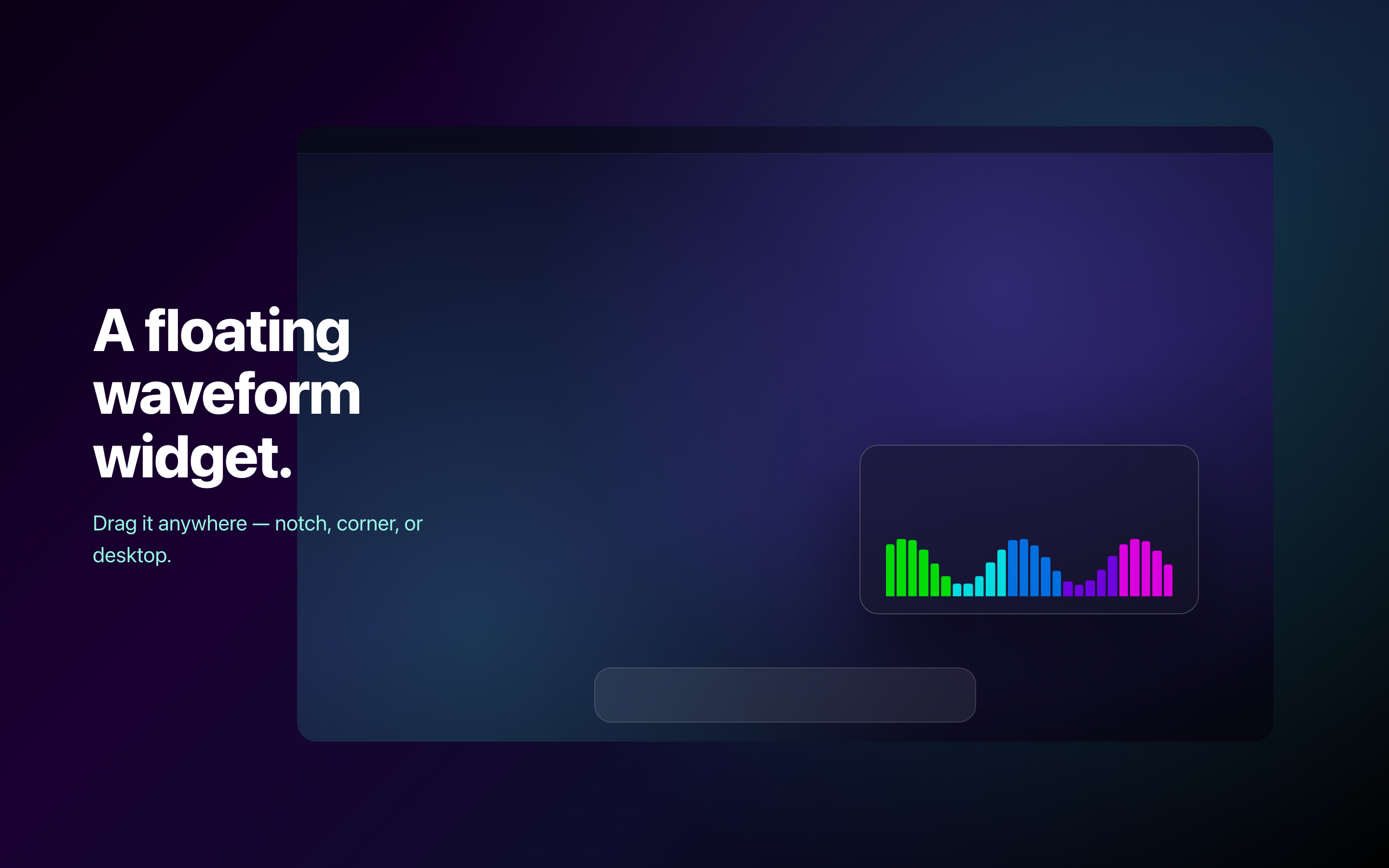
A living gradient of light glows across your Mac's top edge. And a reactive waveform widget you can drag wherever you like.
GlowLight is a lightweight native macOS app. It has two displays: an animated ambient light bar along the top edge of your screen, and a draggable floating waveform widget. There are nine gradient themes and two ambient animations, Flow and Pulse, plus eleven reactive widget styles. It works across multiple monitors. GlowLight is free, with an optional one-time bundle that unlocks the premium themes and styles.
A living gradient across your screen's top edge.
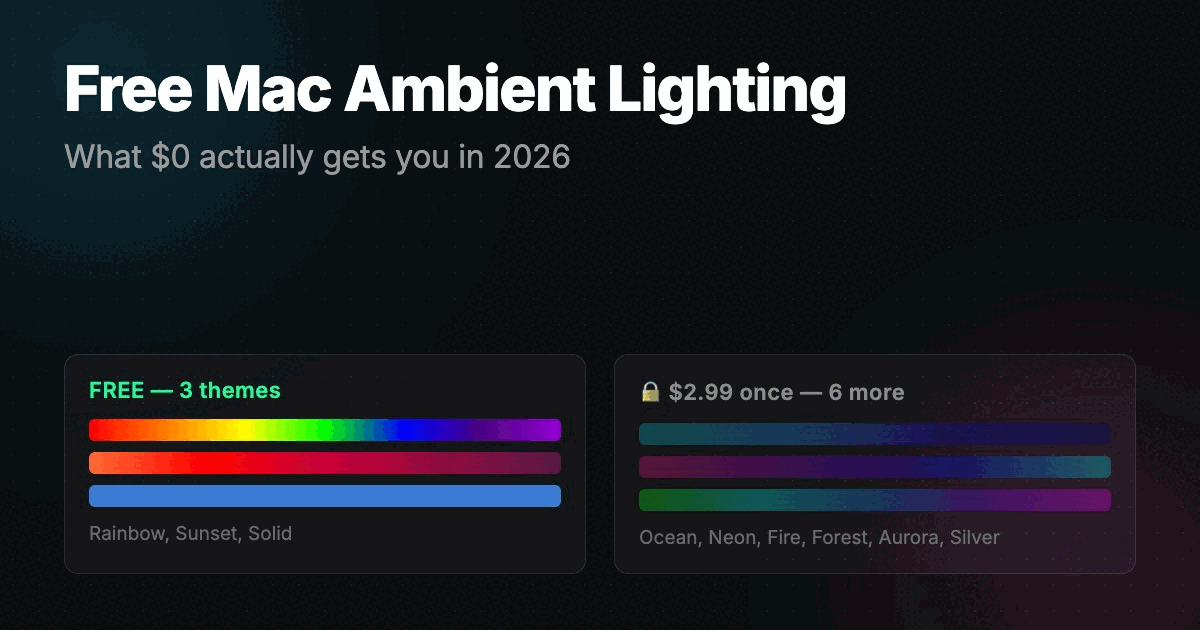
Nine themes
Three are free to start. The other six come with the premium bundle.
Eleven reactive widget styles
Every display gets its own glow. Plug in a second screen and the light follows.
Rearranged your monitors? One click puts the bar back where it belongs.
The light bar sits above everything at the very top edge, and never steals focus.
Native macOS, built to sip resources. Real ambience for a tiny footprint.
Every core feature is free. The premium themes and styles come as one small purchase, and there is no subscription.
| Feature | Free | Premium |
|---|---|---|
| Ambient Light Bar | ||
| Floating Waveform Widget | ||
| Multi-Monitor Support | ||
| Flow & Pulse animations | ||
| Reactive Widget Styles | 2 | 11 |
| Free Themes (Solid, Rainbow, Sunset) | 3 | 3 |
| Premium Themes | – | 6 |
| All Themes Bundle | – | $2.99 once |
FAQ
GlowLight is a lightweight native macOS app that draws an animated light bar along the top edge of your screen. It also floats a draggable waveform widget over your desktop. Together they give your Mac a soft, cinematic glow.
There are nine gradient themes. Solid, Rainbow, and Sunset are free. Ocean, Neon, Fire, Forest, Aurora, and Silver come with the premium bundle. The ambient bar has two animations: Flow, which moves color smoothly across the edge, and Pulse, which breathes the brightness up and down.
It is a small waveform panel that floats over your desktop. You can drag it wherever you want, near the notch, into a corner, or out in the open. It comes with eleven reactive styles, including Chromatic Edge, Spectrum, and Pulse Core, and it stays out of your way while you work.
Yes. GlowLight lights up every connected display. If you rearrange your monitors, one click on Redraw puts the ambient bar back in place.
Yes. The download is free and includes the ambient light bar, the floating widget, multi-monitor support, both animations, and the Solid, Rainbow, and Sunset themes. One purchase of $2.99 unlocks the All Themes Bundle with the six premium gradients. There is no subscription.
No. GlowLight is a native macOS app built to stay light. It renders the glow with a tiny resource footprint and keeps out of the way of your work.
GlowLight runs on macOS and is available on the Mac App Store. Check the App Store listing for the current minimum macOS version and supported hardware.
Tips, guides, and updates about GlowLight.
GlowLight
“Add a touch of ambient light to your Mac.”
macOS · Native · Free with optional $2.99 themes bundle