The clock in your menu bar is the thing you glance at all day. Before a call, while a build runs, when you're deciding whether it's too late to start one more thing. You look at it more than any app you actually open.
So it should be one you picked.
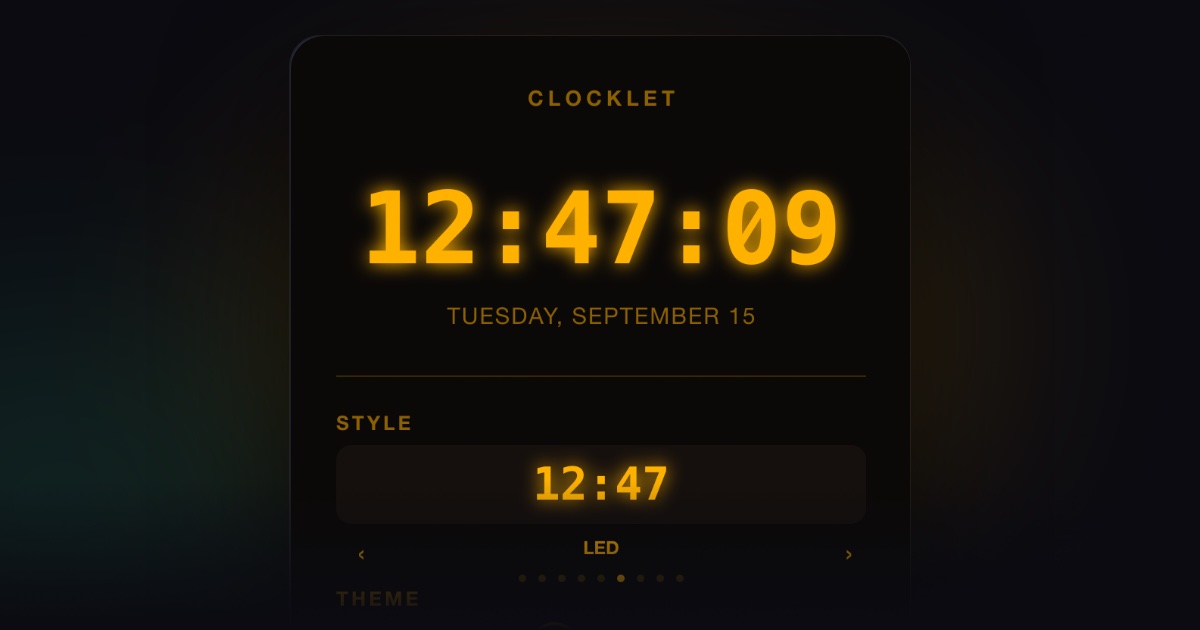
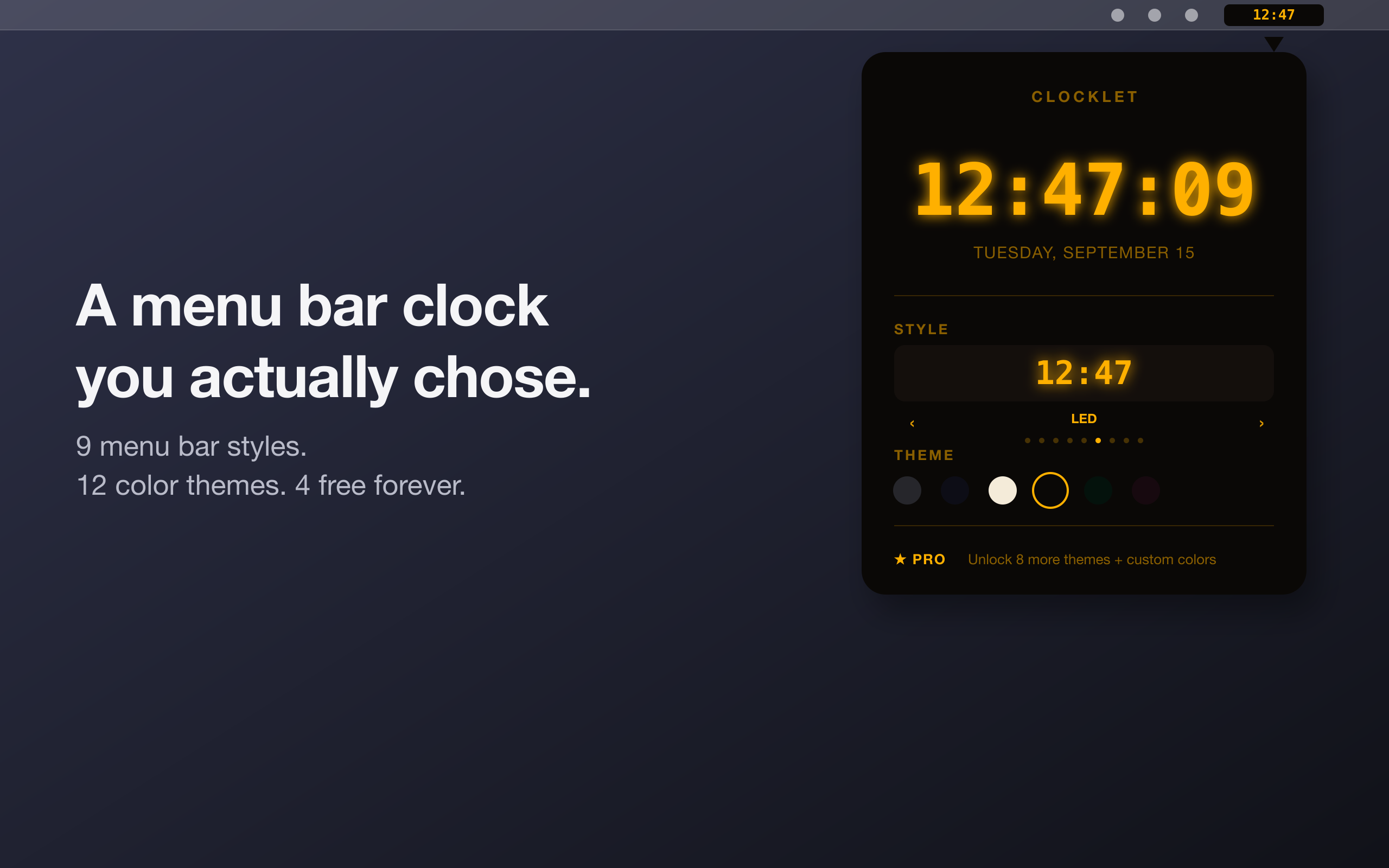
Clocklet went live on the Mac App Store today, November 5, 2026. It's a Mac menu bar clock and nothing else. There's no Dock icon. It lives in the menu bar, and when you click the time, a popover opens where you choose a face, a theme, and a few options. Click away and you're done.
Nine faces
A face is the shape of the clock: the digits and the type. Clocklet ships with nine of them: Digital, Dot, Minimal, Gradient, Neon, LED, Sunset, Typo, and Flip.
I'm not going to describe all nine. The names carry most of it, and clicking through them in the popover takes less time than reading a paragraph about each one would.
One tip: pick the face first and the theme second. Shape is the bigger decision, because it's what your eye locks onto a hundred times a day. Color is the easy part to change later.
Twelve themes, and every one fits every face
A theme is color only. Every theme works with every face, so 9 faces and 12 themes give you 108 combinations, and no theme is locked to a particular face.
Auto follows your system's light or dark appearance. The other 11 are fixed on purpose. Pick Midnight and it stays Midnight when macOS switches modes (a theme that changed under you would be a strange thing to name). I wanted the theme name to describe what you'll see, every time.
Four themes are free: Auto, Midnight, Cream, and Amber CRT. Pro adds the other eight, which are Mint, Rose Gold, Ink, Ocean, Forest, Plum, Ember, and Slate.
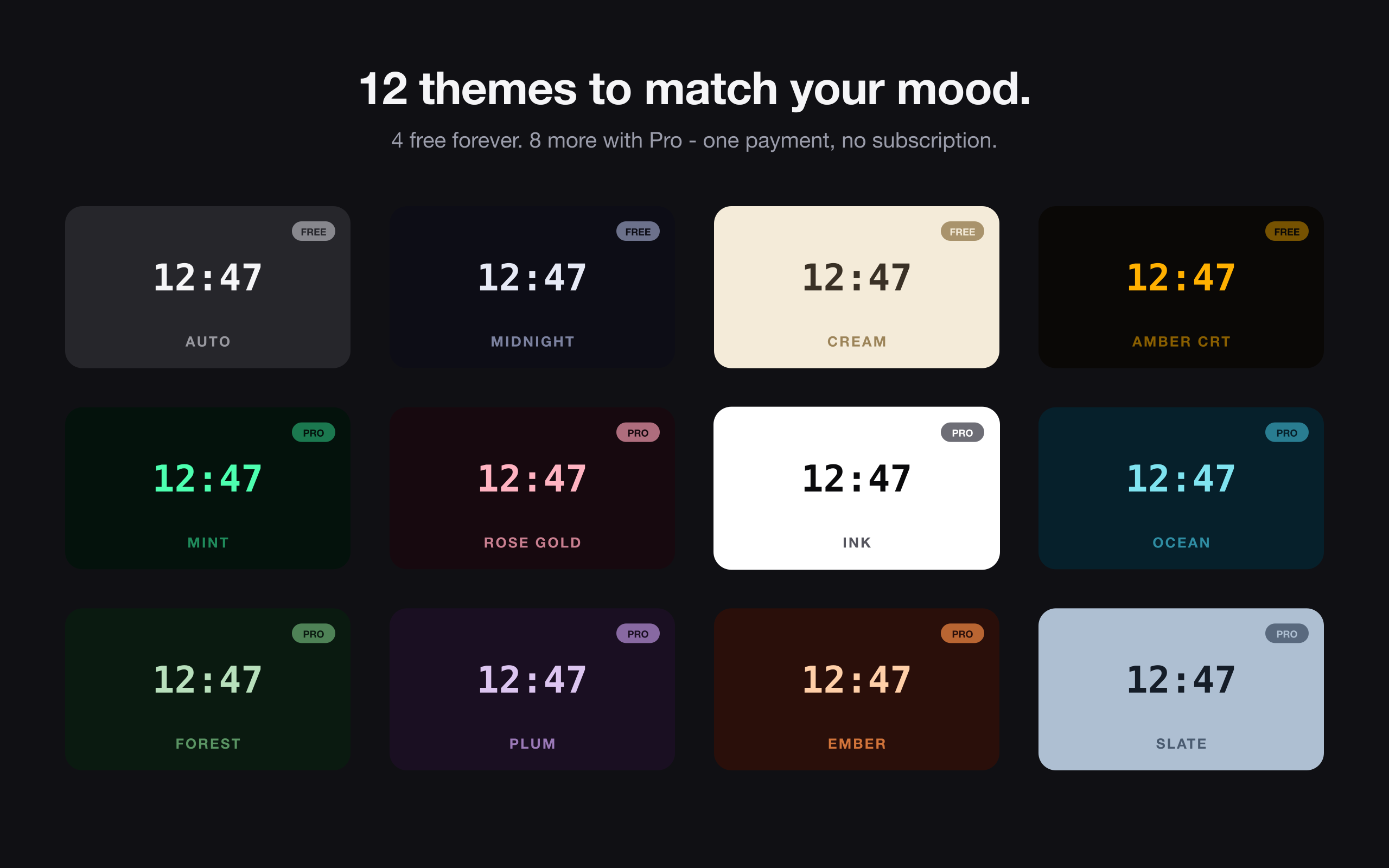
The part you won't notice is contrast. That's the point of it. Every theme meets WCAG AA against its own background, 4.5:1 for the digits and 3:1 for accents, and tests check all twelve, so a theme that slips below the line fails before it ships. A clock you can't read at a glance isn't doing its job, however nice the colors are.
Why shape and color are separate
Clocklet didn't start this way.
Before launch, I built 47 color presets for this clock. Then I deleted them all. Splitting faces (shape) from themes (color) is what replaced them, and it's why a theme name means the same thing on every face. Midnight on Flip and Midnight on LED are the same Midnight.
The full story is in I Built 47 Color Presets for a Mac Clock App. Then I Deleted Them All.
Free, and Pro
The free version is a real clock, not a trial. You get all 9 faces, the 4 free themes, and every display option: show seconds, 24-hour time, and show date. Launch at Login is free too.
Clocklet Pro is a one-time in-app purchase of $6.99 (US). No subscription. It unlocks the other 8 themes, custom themes with your own colors, and a size setting that makes the menu bar clock bigger.
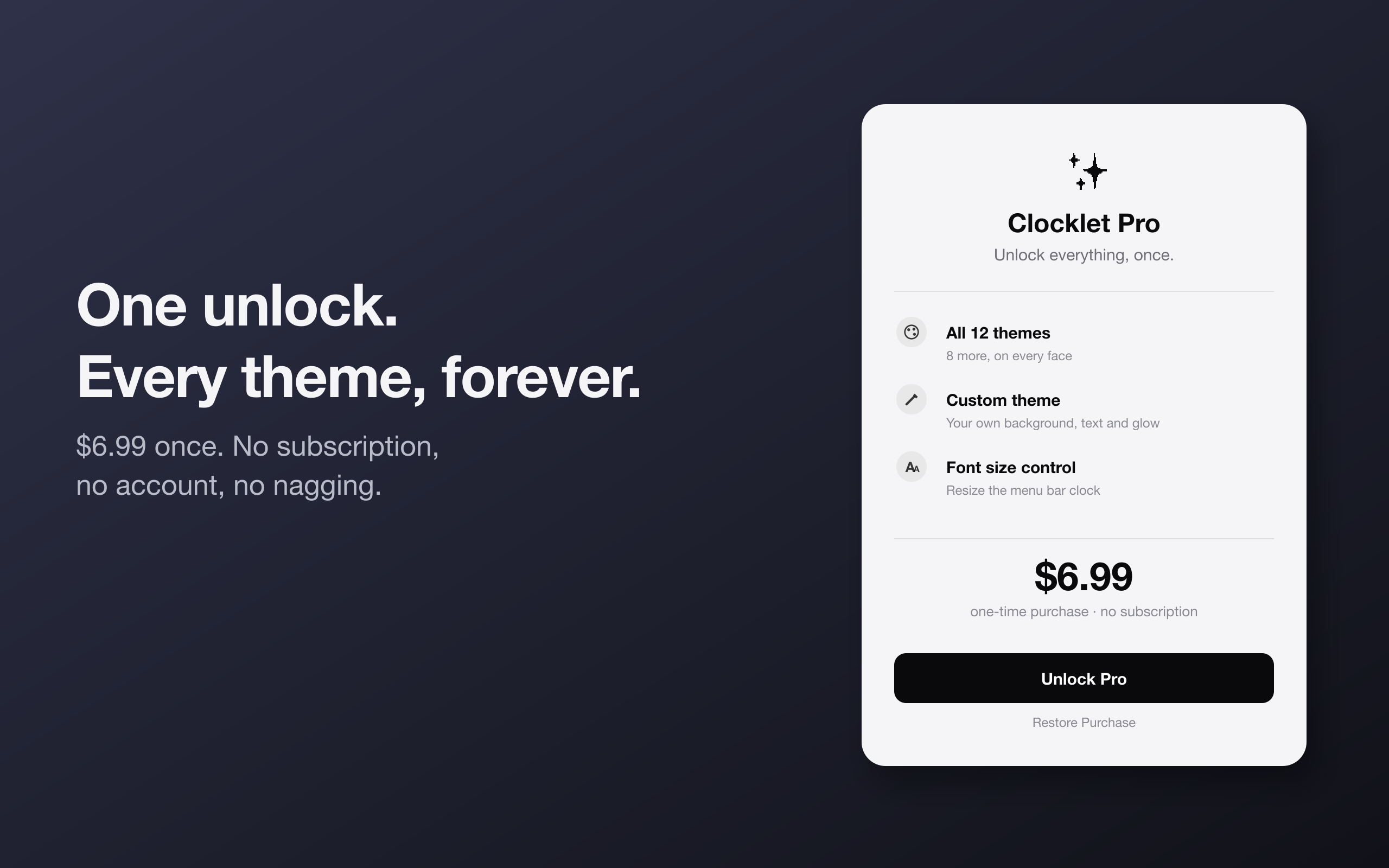
If Auto, Midnight, Cream, or Amber CRT already looks right on your menu bar, stay on the free version. Get Pro if you want your own colors or a larger clock. Those are the two reasons to pay, and if neither applies to you, don't.
What it doesn't do
Clocklet has no telemetry, no analytics, and no account. Nothing to sign up for and nothing counting your clicks.
It runs on macOS 14.0 or later. Today's release is version 1.0.0.
To the waitlist
If you joined the waitlist, thank you. Pro is free for you. You were the first people to decide a menu bar clock was worth caring about.
Get Clocklet
Install it, click the time, and try a few faces. One of them will stick.
Download Clocklet on the Mac App Store →
More details are on the Clocklet page.
Clocklet is a menu bar clock for macOS 14 and later, with 9 faces and 12 themes.