How to Automate Your Downloads Folder on Mac with Ornix (Full Setup Guide)
Your Downloads folder already has too many files in it. Here's how to set Ornix up once,…
Point it at Downloads, Desktop, or any folder and every file is sorted by type the moment it arrives. The simple Hazel alternative for Mac.
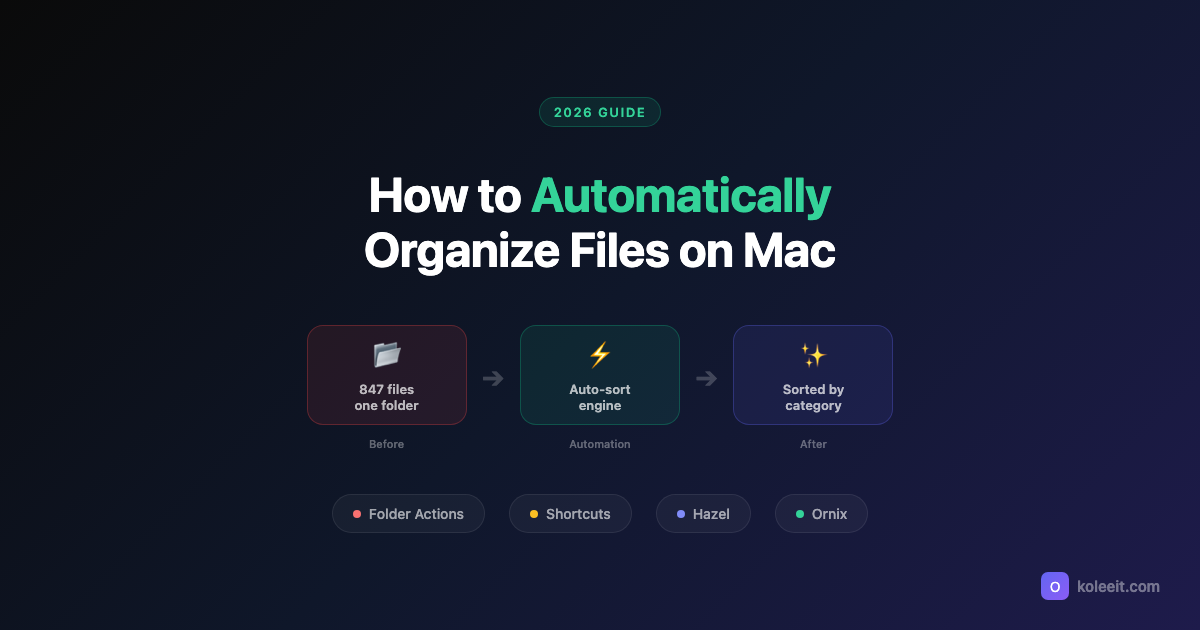
Ornix is a macOS app that automatically organizes messy folders. It watches Downloads, Desktop, and any folder you choose, sorting files by type (Documents, Images, Videos, Archives, and more) the moment they arrive. Ornix is the simplest Hazel alternative: no rules to write, no scripting, zero setup. Just point it at a folder and it works. Free to use with a one-time Pro upgrade, no subscription, no telemetry, and no account required. Built for Apple Silicon and Intel Macs.

watching ~/Downloads
Downloads, Desktop, or a project directory. Ornix watches them all and files what lands, with no rules to write.
How to Organize
You can switch later. Existing files stay put.
When to organize
How aggressively Ornix moves new files.
Notifications
System notifications
Banner when files are organized.
A file arrives, Ornix reads its type and moves it. A quiet notification confirms the move, with one-click Undo.
Review every planned move, then approve or cancel. Full control when you want it, hands-off when you don't.
Files organized, time saved, which categories fill up fastest. Tracked locally, never uploaded.
847
files organized
7h 3m
time saved
41
day streak
CATEGORY BREAKDOWN
Five categories out of the box. Add your own extensions to any of them, or build a new one.
No telemetry, no analytics, no account. Ornix works entirely offline, and every move is reversible.
One download. Pro unlocks in-app with a one-time purchase, no subscription.
Every tier: offline, no telemetry, no account.
9 questions
Ornix is a macOS app that automatically organizes messy folders. Point it at Downloads, Desktop, or any folder and every file gets sorted by type (Images, Documents, Videos, Archives, and more) the moment it arrives. No rules to write, no setup, no manual effort. Ornix runs natively from your Mac's menu bar and works entirely offline with zero telemetry.
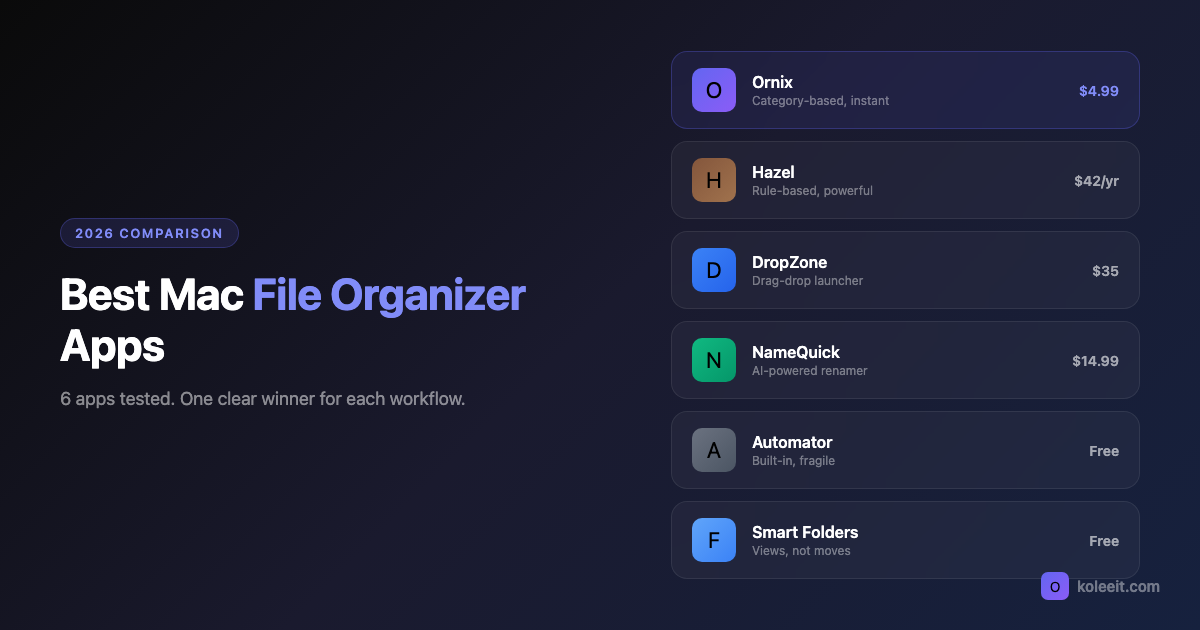
Compared to Hazel, Ornix requires no complex rule-building or scripting: just pick a folder and it handles the rest. Compared to AI-powered organizers that process files slowly and unpredictably, Ornix sorts instantly and deterministically based on file type. It is designed for anyone who wants fast, predictable file organization without the complexity of Hazel or the opacity of AI-driven solutions.
Yes. The free version watches 1 folder and includes auto-filing, smart categories, the action window, history log, conflict resolution, and launch at login. Pro unlocks unlimited folders, date subfolders, task-based filing, scheduled cleanup, confirm mode, and Organize Now.
Pro is a one-time purchase. No subscription. Once you buy it, you own it forever with lifetime updates.
Ornix supports multiple modes: category-based sorting by file extension, date-based subfolders, and project-based grouping. You can assign different modes to different folders, so Downloads sorts by category while a project folder groups by task.
Ornix detects the conflict and lets you choose: Keep Both, Replace, or Skip. With Pro, you can set a default action so duplicates are handled automatically.
Yes. The Action Window shows exactly what moved, with one-click Undo, Open File, and Open Folder buttons.
No. Ornix works entirely offline with no telemetry, no analytics, and no account requirement. All data stays on your Mac. Nothing is sent to any server.
Ornix is a native SwiftUI app for Apple Silicon and Intel Macs. Check the App Store listing for the current minimum macOS version.
Tips, guides, and updates about Ornix.
No telemetry. No analytics. No account required. All data stays on your Mac.