
How to Use Stir: A Mac Wake-Up App, as Friend, Assistant, or Offline
The setups I actually use: Stir as a friendly nudge, as a sharp full-screen wake-up, and…
Tuesday, August 4
19:47
Your Mac
password is 0000 · just press ↵
your Mac greets you every time it wakes. Free, native macOS.
Stir is a free native macOS menu bar app that brings your Mac to life every time it wakes from sleep. It displays a cinematic greeting overlay with one of 22 visual themes and an optional AI-generated or preset message for a few seconds before disappearing. It is not a screensaver, alarm clock, or Wake-on-LAN tool. Built with native SwiftUI, it requires macOS 15.0 or later and runs on Apple Silicon and Intel, with no telemetry and no account required.
Two Heartbeats
A gentle pulse or a full breath. Pick how your Mac comes alive, or choose Random and let it decide each time. Both are free, and it bows out on its own after 1–8 seconds.

Echo Full-screen. Your Mac fills the room with a single breath.
22 Personalities
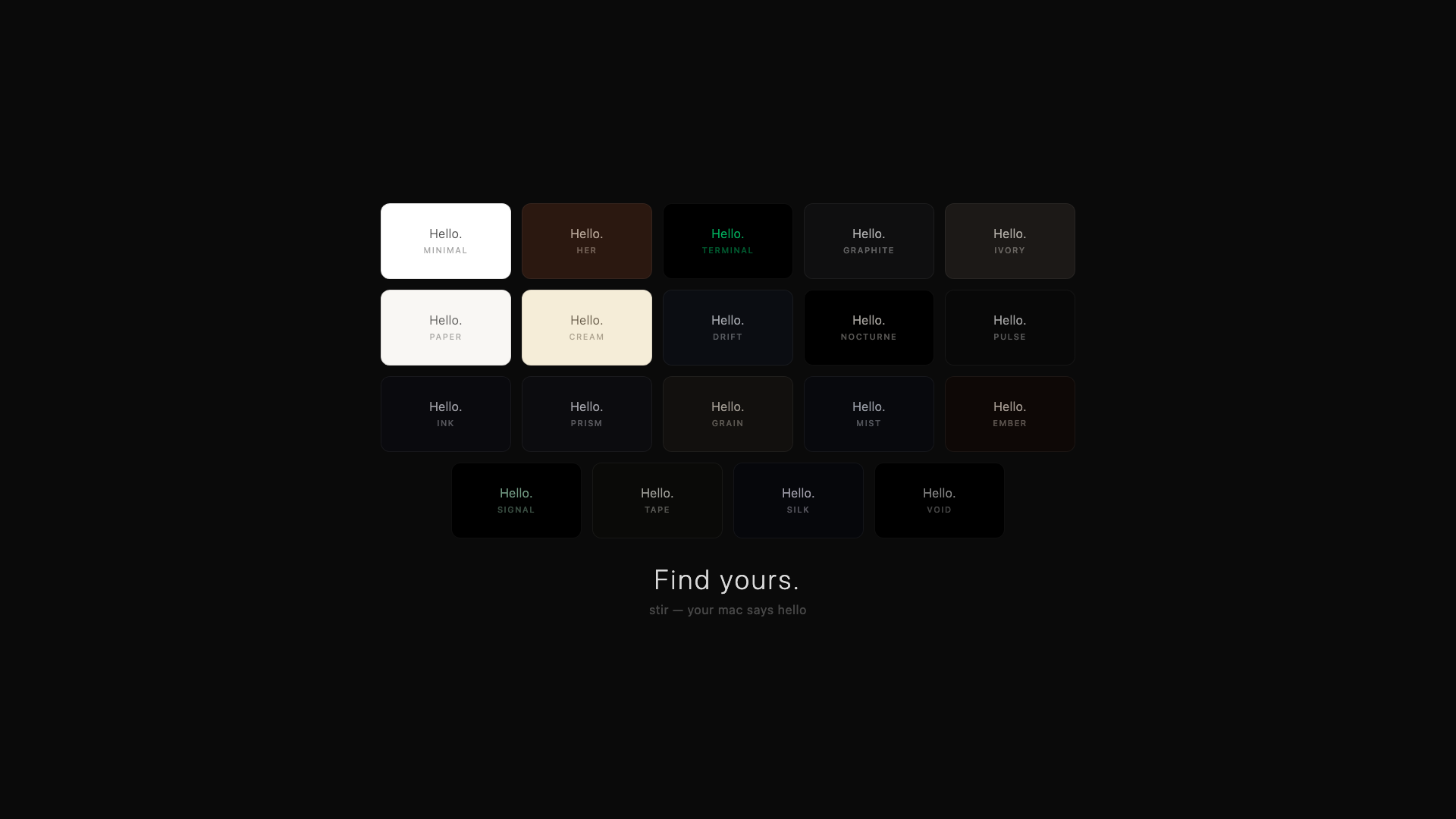
Minimal, cinematic, typographic. Animated particles or pure silence. Your Mac, your character.
AI-Powered· free, no Pro needed
Connect an AI provider and your Mac finds its own words. Fresh, unique, every single time. Set the tone: motivational, poetic, funny, or professional.
Multiple AI Providers
OpenAI, Ollama, and more. You pick the voice.
Custom Presets
Write your own words for morning, afternoon, evening, night. No AI needed.
8 Languages
It greets you in yours: English, 한국어, 日本語, 中文, Español, Français, Deutsch, or just follow your system language.
Good morning.
system resumed. welcome back.
The world waited for you.
오늘도 화이팅.
おかえりなさい.
You made it through another day.
It knows when to stay silent. Set your own schedule. Your Mac sleeps when you sleep.
Every heartbeat logged. Timestamps, greetings, streaks. All private, all local.
Lives in the menu bar, not the Dock. Lightweight, native, out of your way.
Says its piece and leaves. Set how long it lingers, from 1 to 8 seconds.
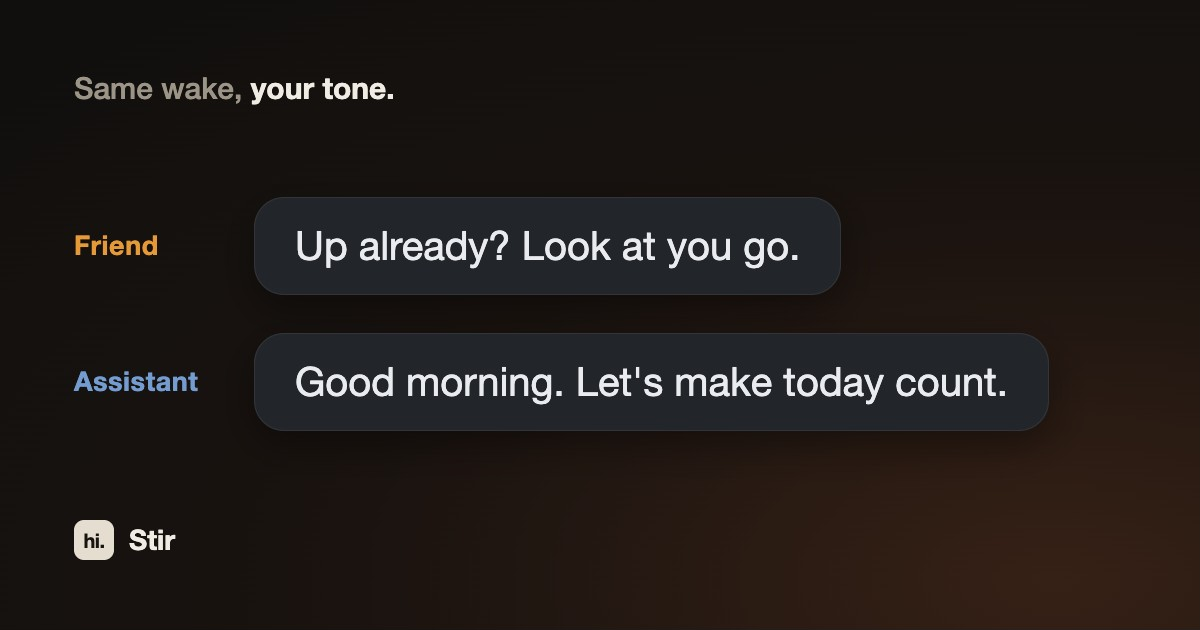
Different tone for morning, afternoon, evening, night. It reads the room.
Everything Stir does is free. Both overlay modes, AI greetings, your own presets, Quiet Hours, wake history: all of it, no account. Pro is only about how it looks.
$2.99one-time · pay once, keep forever
Unlock all 16 Pro visuals, including the Metal-accelerated orbs.
Every new theme after this one is included. No upgrade fee.
Pay once, keep forever. No subscription, no account.
Free tier included. Upgrade inside the app whenever you want.
FAQ
Stir is a free native macOS menu bar app that brings your Mac to life every time it wakes from sleep. It displays a cinematic greeting overlay with one of 22 visual themes for a few seconds, then gets out of the way. It is not a screensaver, alarm clock, or Wake-on-LAN tool. It simply gives your Mac a voice.
No. Stir does not prevent sleep and is not a caffeinate-style keep-awake utility. It only responds after your Mac wakes up on its own, like a heartbeat that shows your Mac is alive, then fades away.
Yes, and every feature is free. The free version includes all three overlay settings (Presence, Echo and Random), 6 visual themes, AI-generated greetings in 8 languages, your own custom greeting presets, Quiet Hours, and wake history. Pro is a one-time $2.99 in-app purchase (not a subscription) that unlocks the remaining 16 visual themes plus any themes added in future updates. It is purely cosmetic: no feature is locked behind it.
No, not by default. Stir works fully offline with custom greeting presets by time of day. An internet connection is only needed if you connect an AI provider (such as OpenAI or Ollama) so your Mac can find its own words.
Quiet Hours tells Stir when to stay silent. Set your own schedule (default 22:00–07:00) and your Mac won't greet you in the middle of the night.
No. Stir has no telemetry, no analytics, and no account requirement. Wake history stays on your Mac and never leaves your device. It's yours alone.
Stir requires macOS 15.0 or later and runs natively on both Apple Silicon and Intel Macs. It is a native SwiftUI app of under 1 MB that lives in the menu bar, and it is distributed through the Mac App Store.
KeepingYouAwake and Amphetamine prevent your Mac from sleeping. Stir does the opposite: it only reacts after your Mac wakes up naturally, showing that your Mac is alive with a cinematic greeting. The two types of app are unrelated and can be used together.
Tips, guides, and updates about Stir.
No telemetry. No analytics. No account. Everything stays on your Mac. It's yours alone.