Before version 2.1, GlowLight's widget had a resting state it could never reach.
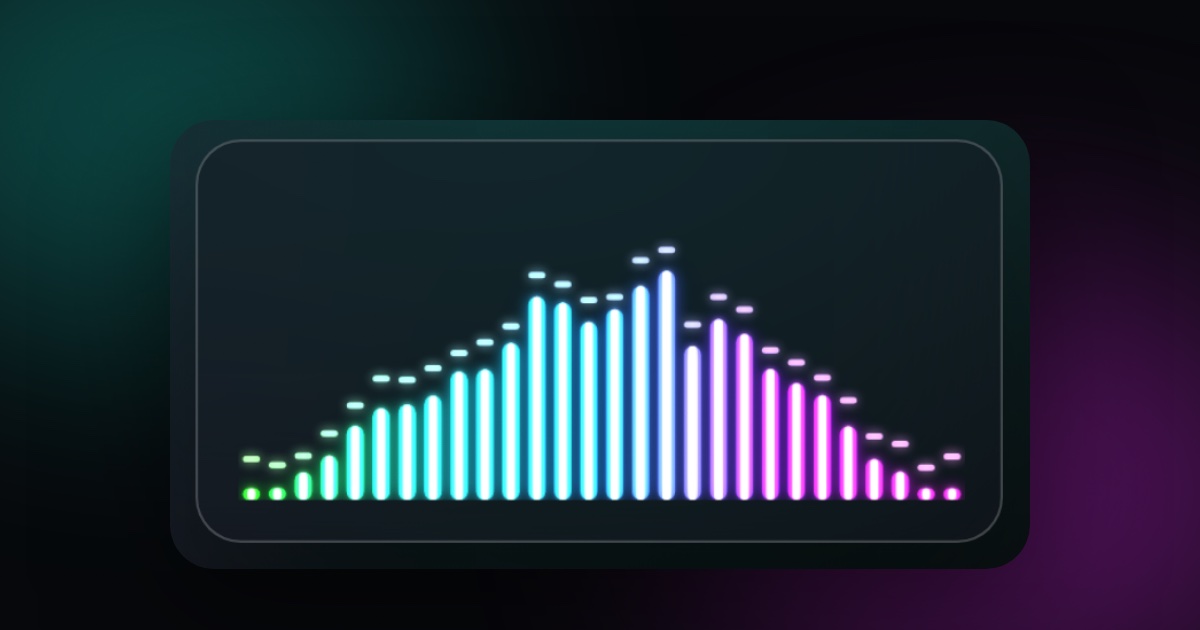
GlowLight is a Mac menu bar app that draws a soft glow along the edge of your screen and floats a small widget on your desktop. The waveform in that widget reacts to one of three things: System (CPU and RAM load), Keyboard (your typing rhythm, which needs Input Monitoring permission), or Off. That is the full list. It doesn't listen to audio, and it doesn't watch your screen.
I called it reactive. That was generous.
A speedometer marked to 600
Two faults did most of the damage, one at each end of the scale.
In System mode, the CPU and RAM signal driving the widget ran on a scale of 0 to 1, but it never dropped below 0.35. Your Mac could be doing nothing at all and the needle still sat about a third of the way up, so the idle state, which needed a lower number than that, never rendered.
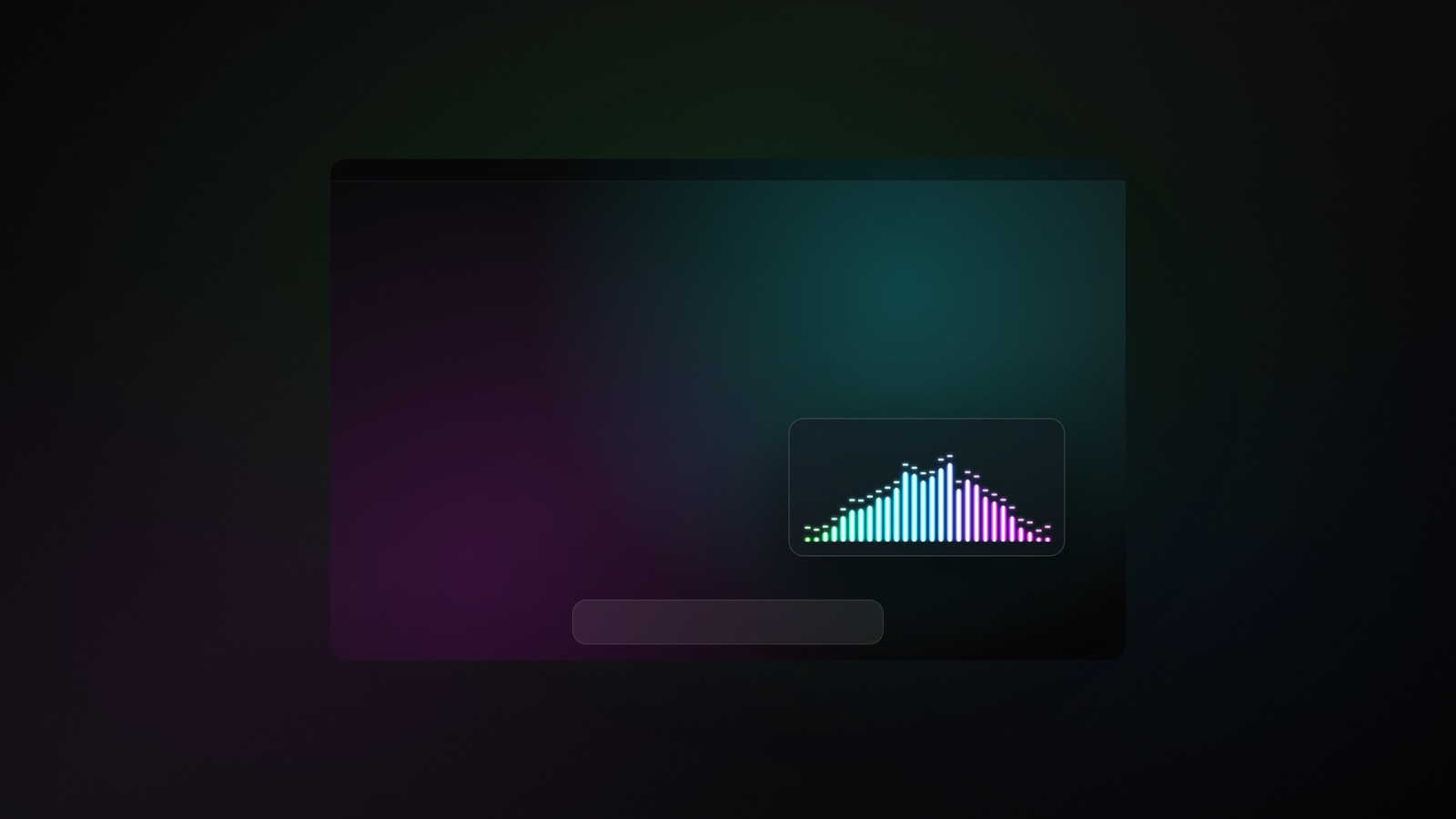
The top end was stranger. GlowLight's visual styles behave according to thresholds, and those thresholds were written for a range of 0 to 600, the range typing can produce. System load only produces 30 to 200. Picture a speedometer printed to 600 in a car that tops out at 200. Most of the dial is decoration. The Lightning style stayed at 2 bolts, and Rain's gust was always 0.
The obvious fix has a trap in it
A fixed scale can't suit everyone anyway. People type at different speeds, one Mac's normal load is another Mac's busy afternoon, and RAM on macOS tends to sit around 65 to 85% all the time.
So throw out the fixed ruler. Let the app look back over the last 60 seconds, call the quietest moment 0, and call the busiest moment 1. Engineers call this auto-gain, and it does make the stubborn RAM baseline disappear.
Now take a Mac doing nothing, with RAM drifting between 70.1% and 70.4%. Nobody opened anything. That movement is noise, three tenths of one percentage point, and auto-gain has no sense of what matters. It stretches the gap between lowest and highest to fill the entire scale. RAM's share of the signal swings from empty to full, and the widget thrashes while nothing is happening.
You've seen a camera do this. Point auto-exposure at a dark wall and it keeps brightening until you're looking at grain.
A dull widget is a disappointment, but I think a widget that panics on an idle Mac is worse, because it's telling you something false.
To be accurate about the history, this version never reached a release, so that failure is computed. The safeguard went in with the fix, in the same change, and I wrote this exact RAM case into the design notes beside it.
Four percentage points
The safeguard is a floor on how narrow the scale is allowed to get: 4 percentage points for RAM, and 10 for CPU, which swings harder.
If the real range over the last minute is smaller than the floor, the app uses the floor instead. That 70.1 to 70.4 wobble now fills about 7.5% of RAM's scale. When RAM moves by 4 points or more, the floor stops mattering and the scale stretches as usual.
Back to the camera: this is a limit on how far it may brighten a dark room.
CPU and RAM each go through this on their own, then get blended, 65% CPU and 35% RAM. The design notes call these floors starting points that still need tuning on real hardware.
Quick up, slow down
When load climbs, the signal closes 35% of the remaining gap at each step. When load drops, it closes 4%. A coal behaves the same way, catching fast and cooling slowly, so a spike leaves a tail behind it.
Rhythm stays apart from strength, because wiring every keystroke straight to the widget's size gives you a twitch. The beat comes from a pulse that only speeds up or slows down, and it never skips or restarts.
The plumbing changed too. CPU checks went from every 1.0 second to every 0.25 seconds, and the glow bar and floating widget, which used to run separate engines and poll the CPU twice, now share one. Auto-gain made that necessary. It depends on its 60-second memory, so two copies started at different moments would give different answers for the same load.
The idea I turned down
The tempting extra was letting RAM shift the glow's color, warmer or cooler with pressure. Low pressure would push the Fire theme toward teal, and Silver was designed with no saturation at all, so I rejected it. People paid for those themes.
Color belongs to the theme. (This was only ever about GlowLight's own glow. The app has no control over your display's brightness or color temperature.)
Find out on your own desk
The arithmetic I can show you. Whether it feels right next to your work is a different test, and that one is free.
If you want an exact reading instead, I wrote up how to see your Mac's CPU usage without opening Activity Monitor. GlowLight is for the other case, where load sits at the edge of your attention.
The GlowLight app page has the details: a free download with 3 themes and 2 styles, and a $2.99 one-time bundle for the rest. It needs macOS 15.5 or later.