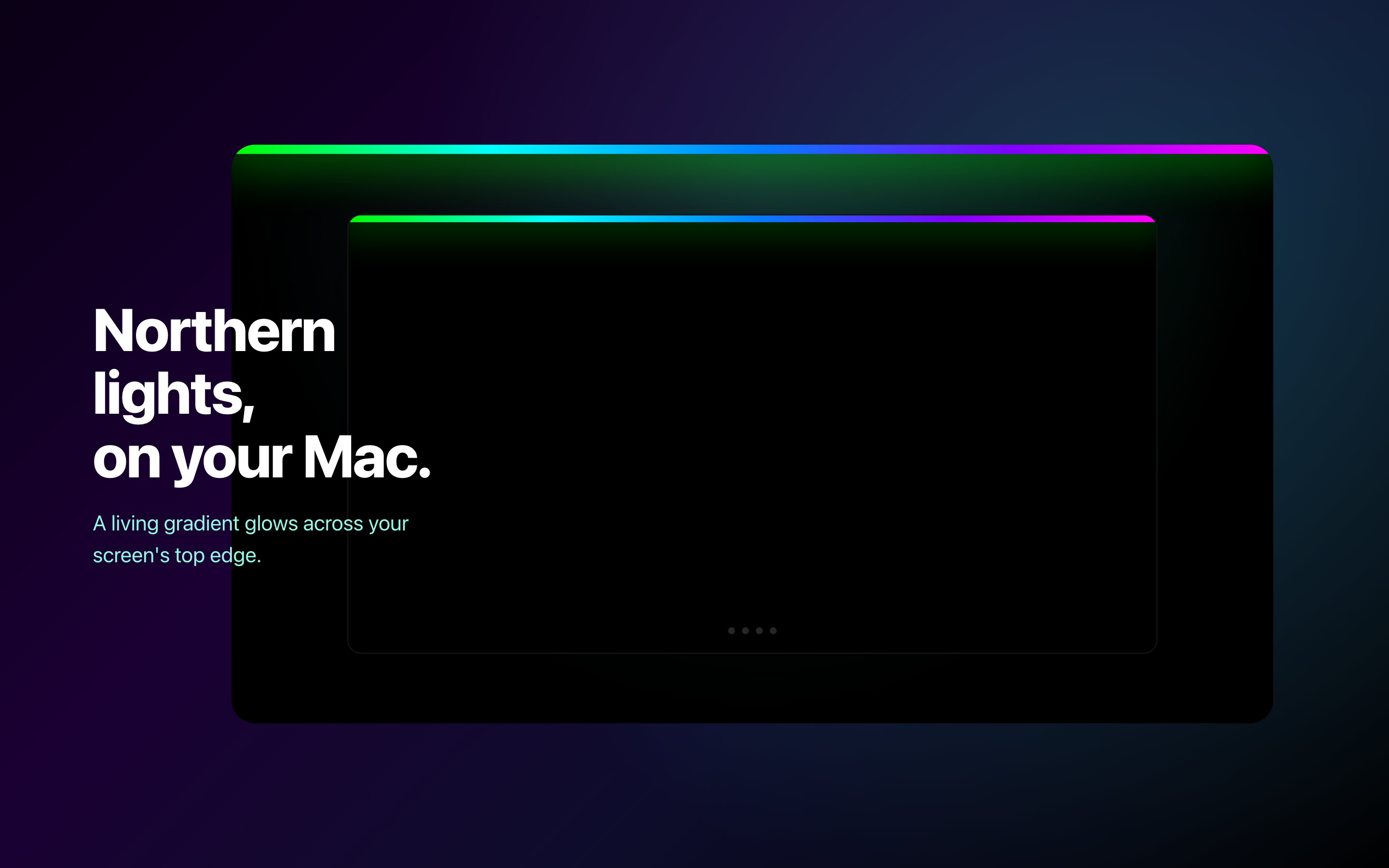
GlowLight 2.0 for macOS changes what an ambient light app can be. Version 1.0 was simple - a colored light bar along the top edge of your screen. Pick a gradient theme, choose an animation, and your Mac gets a subtle ambient glow. Rainbow, Sunset, Ocean, Fire - seven themes, four animations. Done.
It looked nice. For about a week.
The Problem with Decoration
An ambient light bar is, fundamentally, wallpaper. You set it and forget it. After the initial "oh that's cool" moment, it just sits there doing the same thing. You stop noticing it. I stopped noticing it.
I tried adding more themes. More animation types. But the core issue wasn't variety - it was that the bar had no relationship with what I was actually doing on my Mac. It was purely decorative, and decoration gets old fast.
I wanted something that felt alive. Something that moved because something real was happening, not because a timer told it to.
The Floating Widget
Version 2.0 keeps the ambient bar (it's still there, unchanged), but adds an entirely new surface: a floating waveform widget.
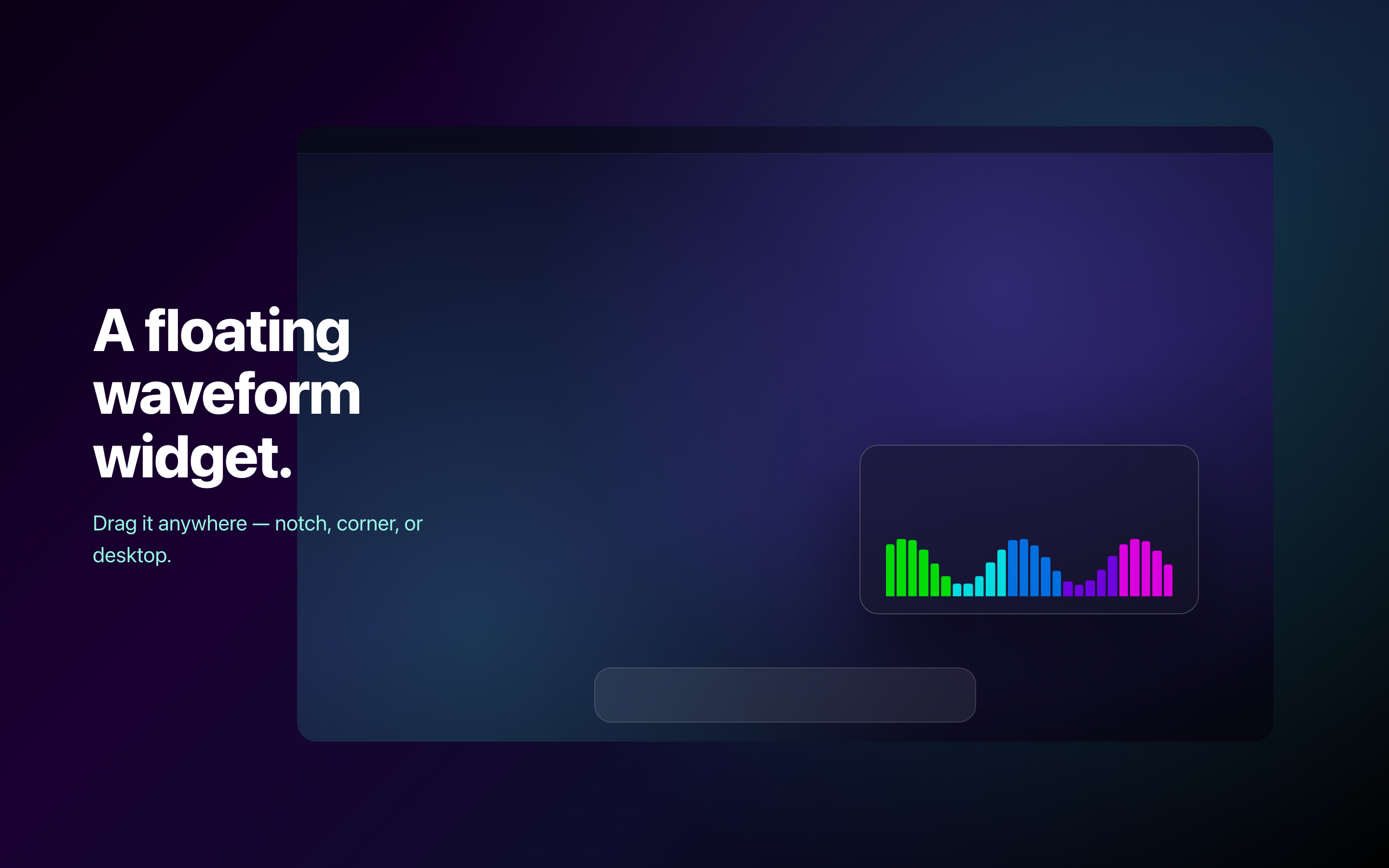
It's a small, draggable panel that sits anywhere on your screen. It visualizes your system's activity in real time - CPU load, RAM usage - as a continuous waveform. When your Mac is idle, the widget breathes slowly. When you're compiling code or rendering video, it reacts.
The key difference from the ambient bar: it moves with meaning. Every fluctuation maps to something real happening on your machine. It turns invisible system activity into something you can see and feel without opening Activity Monitor.
Why a Floating Window Changes Everything
Three things make the widget fundamentally different from a fixed light bar:
Put it anywhere. The ambient bar is locked to your screen edge. The widget goes wherever you want - corner of your screen, next to your terminal, between two windows. Drag it and it remembers where you left it.
Resize it. From a tiny 100px accent to a 600px display piece. A small widget tucked in the corner feels like a system monitor. A large one across your screen feels like a music visualizer. Same app, completely different experience depending on size and placement.
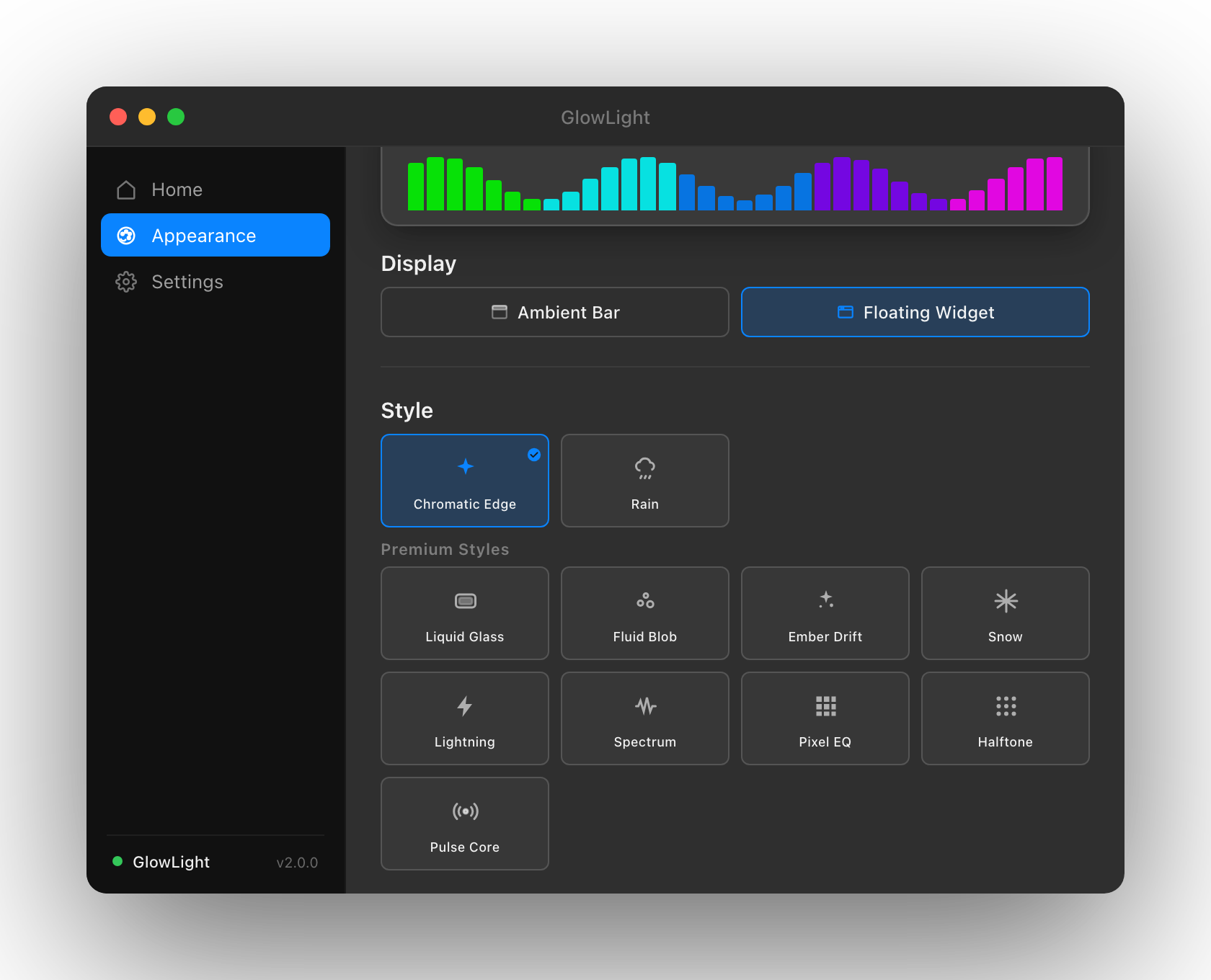
11 visual styles. This is where the real variety lives. Each style is a completely different renderer - not a color swap, but an entirely different way of visualizing the same data:
- Chromatic Edge - shifting color bands along the waveform
- Rain - particle drops that intensify with load
- Liquid Glass - translucent fluid motion
- Fluid Blob - organic, morphing shapes
- Ember Drift - floating sparks and embers
- Snow - particle snowfall reactive to system activity
- Lightning - electric arcs that fire with CPU spikes
- Spectrum Bars - classic equalizer bars
- Pixel EQ - retro pixel-art equalizer
- Halftone - dot-matrix pattern visualization
- Pulse Core - Siri-style pulsing orb
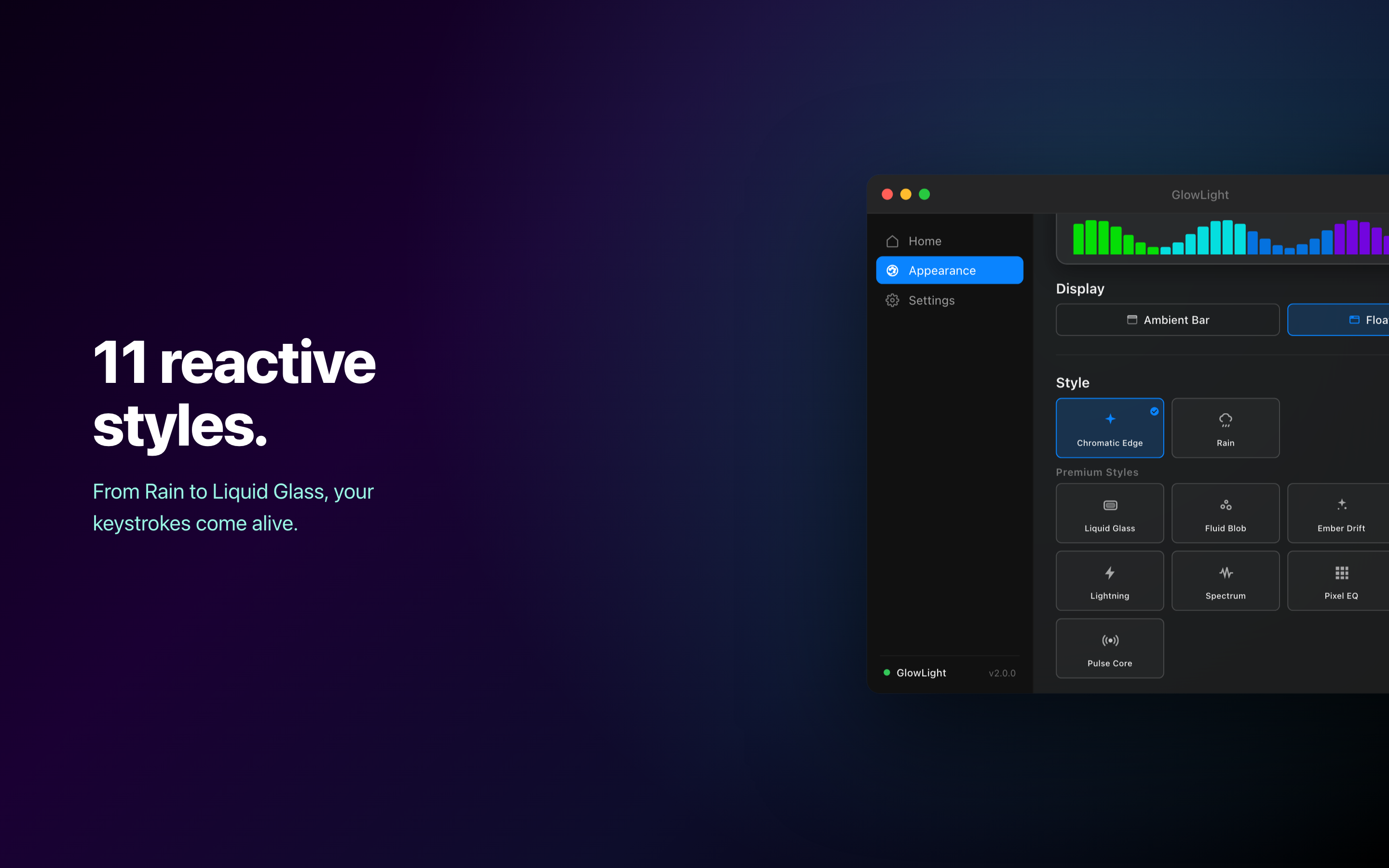
Chromatic Edge and Rain are free. The rest unlock with a single $2.99 premium bundle.
Where the Waveform Comes From
The widget reads one of two sources, and you pick which.
System is the default: CPU and RAM load, sampled four times a second and weighted so CPU drives most of the motion. Keyboard mode drives the waveform from your typing rhythm instead, which needs Input Monitoring permission and turns the widget into something closer to a visual metronome for writing sessions.
There's no microphone involved in either mode, and GlowLight never asks for audio access.
Presets, If You Don't Want to Fiddle
Seven presets cover the common placements so you don't have to tune size, position, and container style by hand:
Zero Presence for state-only awareness, Notch Companion for the space beside a MacBook notch, Mini Dashboard for a corner monitor, Life Object as a desktop accessory, Mood Lamp for nighttime ambient light, Showcase for screen recordings and presentations, and Developer for keeping an eye on the machine while you work.
Mood Lamp is the one I use after dark - free-floating, large, borderless, running Ember Drift.
The Ambient Bar Stays
I didn't remove the ambient bar from v1.0. Some people just want a colored glow on their screen edge, and that's a perfectly valid use case. The bar got a few updates - Aurora and Silver themes, a Chromatic Edge animation option, and the free/premium split now applies to bar themes too.
What changed is that the bar and the widget are independent. Toggle each one on or off separately. Run both at once, or just one. The bar provides ambient color; the widget provides reactive motion. They complement each other without competing.
What's Next
More styles, more polish. The current 11 styles are just the beginning - upcoming updates will add new visual themes and refine existing ones to look even better across every size and color combination.
Try It
GlowLight is free to download with three bar themes and two widget styles included. The premium bundle unlocks the remaining 6 themes and 9 styles for $2.99, one time, no subscription.