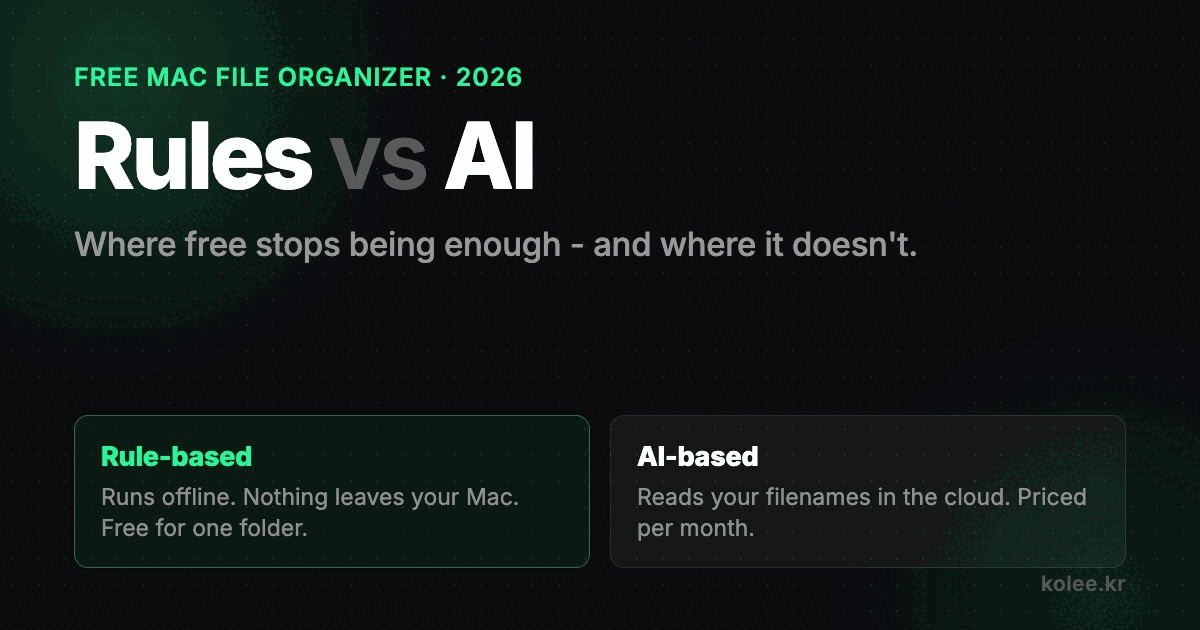
Your Downloads folder has 4,000 files in it and you are not going to sort them by hand. That much is settled. The open question in 2026 is what you hand the job to, because almost every organizer on the market has quietly added the word "AI" to its landing page since last year, and the ones that have not are now positioned as the boring option.
I build one of the boring ones. Ornix sorts files by rule, not by model, and I want to lay out the actual tradeoff rather than pretend there isn't one. There is one. It just runs the opposite direction from the way it gets marketed.
Start with the question people actually ask
When I look at what brings people to this site searching for a file organizer, the phrasing is consistent and it is not about intelligence. It is about price. "File organizer mac free." "Best free file organizer software." "File organizer mac."
Almost nobody arrives asking for an AI one.
That is worth sitting with for a second, because it inverts how these tools get sold. The pitch is sophistication. The demand is coverage at zero cost. So the honest first question is not "rules or AI," it is how much of this problem does free already solve, and the answer is: most of it, if the tool is built to do the common case without configuration.
What a rule actually is here
There is a fuzzy idea floating around that rule-based means you sit down and write rules. That is one kind of rule-based tool. Hazel is the good version of it, and if you want a conditions-and-actions engine where you define the logic yourself, buy Hazel. I mean that sincerely and I am not going to pretend otherwise below.
Ornix works the other way. The rules are already written, and there are two layers of them.
The first layer asks macOS what the file is, using the system's own type identifiers. That covers the overwhelming majority of what lands in a Downloads folder. When that comes back inconclusive, which happens more than you would think with RAW camera formats, fonts, and design files, it falls through to a hardcoded extension table covering several hundred specific cases. The result lands in one of seven categories: Image, Video, Audio, Document, Compressed, Installer, Other.
Seven. Not forty. The whole design bet is that a small number of categories you can hold in your head beats a large number that are individually more precise.
The property that matters is not accuracy
Here is where I think the AI framing misleads people, and it is a subtle point.
An AI organizer is trying to win on accuracy: reading a file and deciding that invoice_march.pdf belongs in Finance rather than the generic Documents pile. That is genuinely a better answer, considered one file at a time.
But filing is not a one-file-at-a-time problem. You are not grading the decision. You are trying to find the thing later, at speed, without thinking. And finding things later depends on a different property: the same input landing in the same place, every time, forever.
A rule-based classifier gives you that by construction. The same file goes to the same folder today, next month, and after a macOS update. You stop consciously knowing where things are and start just reaching for them.
A probabilistic classifier does not guarantee that, and the failure is quiet. Nothing breaks. report_final_v3.xlsx simply goes to Work one week and Finance another, and the only symptom is that six months later you have no intuition about where anything lives and you are back to searching for everything. The tool got each decision more right and the system got worse.
That is the trade I keep coming back to. Consistency compounds. Accuracy does not.
Where rules genuinely lose
I would be selling you something if I stopped there, so:
Rules cannot read. Ornix does not open your files. No OCR, no document parsing, no content inspection of any kind. It knows a PDF is a PDF. It does not know it is a lease. If what you need is "put all my contracts together regardless of what they are named," a rule on file type will never do that, and no amount of category tuning fixes it. That is a real capability gap and it is the honest case for a content-aware tool.
Rules cannot infer intent from a mess. A folder of 4,000 files named IMG_4471.jpg and Untitled 3.pdf contains almost no signal for a rule engine. It will sort them correctly by type and that is all it can tell you.
Rules do not get better on their own. What ships is what you get.
If those limits are the shape of your actual problem, the tradeoff genuinely favors a content-aware tool, and I would rather say that here than have you find out after installing mine.
The two costs nobody puts on the comparison table
Content inspection is not free, and it is not free in two separate ways that tend to get collapsed into one.
The first is privacy, and it is the one people think about. A tool that classifies by reading contents has to read the contents. Whether that reading happens on your machine or on someone's server is the single most important thing to establish before you install anything, and it is worth checking on the specific product you are considering rather than trusting a category-wide assumption. Some run locally. Some do not. The marketing copy is frequently not where that distinction gets made clearly.
The second is recurring cost, and it is the one people notice later. Inference has a unit price. Anything paying that price per file tends to arrive at either a subscription or a usage cap, because the vendor's costs scale with your file count in a way a one-time purchase does not survive.
A rule engine has neither problem, not because I was clever but because the architecture is cheap. Checking a type identifier costs nothing and touches no network. That is why Ornix can run its core loop for free and charge once, rather than monthly, for the rest.
What free actually covers
Concretely, because this is the part the search demand is actually about.
Free gets you one watched folder, sorted in real time as files land, with preview before it runs and undo after. Scheduled cleanup is in there too, and statistics. For a single Downloads folder, which is the entire problem for most people, that is the whole job and there is no trial clock on it.
Pro is a one-time $4.99, not a subscription. It buys unlimited watched folders, date-based subfolders, custom categories, six extra subcategories like Screenshots and Code, automatic conflict resolution, and task-based filing.
My honest advice is to not buy it on day one. Run the free tier on Downloads for a week. If you never find yourself wanting a second folder watched, you already have what you came for and we are square.
So which one
If your filing problem is "things arrive in Downloads and nobody sorts them," use a rule-based organizer and use the free tier, and it does not have to be mine.
If your filing problem is "I need things grouped by what they are about, not what they are," rules will not get you there and you should be looking at a content-aware tool, with the privacy and pricing questions above answered before you install it.
If you want to write the logic yourself, get Hazel.
The thing I would push back on is the assumption that the newer approach is automatically the upgrade. For this specific problem, the property you want most is the boring one, and the boring one is also the one that is free.
Ornix is a rule-based automatic file organizer for macOS 14 and later. Free, with a one-time $4.99 Pro upgrade.