
A Universal Problem: The Chaos of the Downloads Folder
If you use a Mac, you have likely experienced this at least once. You open your Downloads folder to find a file you urgently need, only to be greeted by hundreds of files jumbled together. File names look similar, dates blur together, and you discover duplicate files stacked up like document(1).pdf, document(2).pdf from downloading the same file multiple times.
The folder grows larger while the files you actually need become harder to find. You cannot even tell which version is the most recent. We all know files need to be organized, but manually sorting them one by one is no easy task. Even if you clean up today, the folder becomes messy again by tomorrow.
Why Is File Management So Difficult?
In our modern digital lives, files are constantly being created and accumulated. Documents, images, music, videos, archives. Dozens of files in various formats are downloaded every single day. The problem is that most of these files pile up indiscriminately in one place.
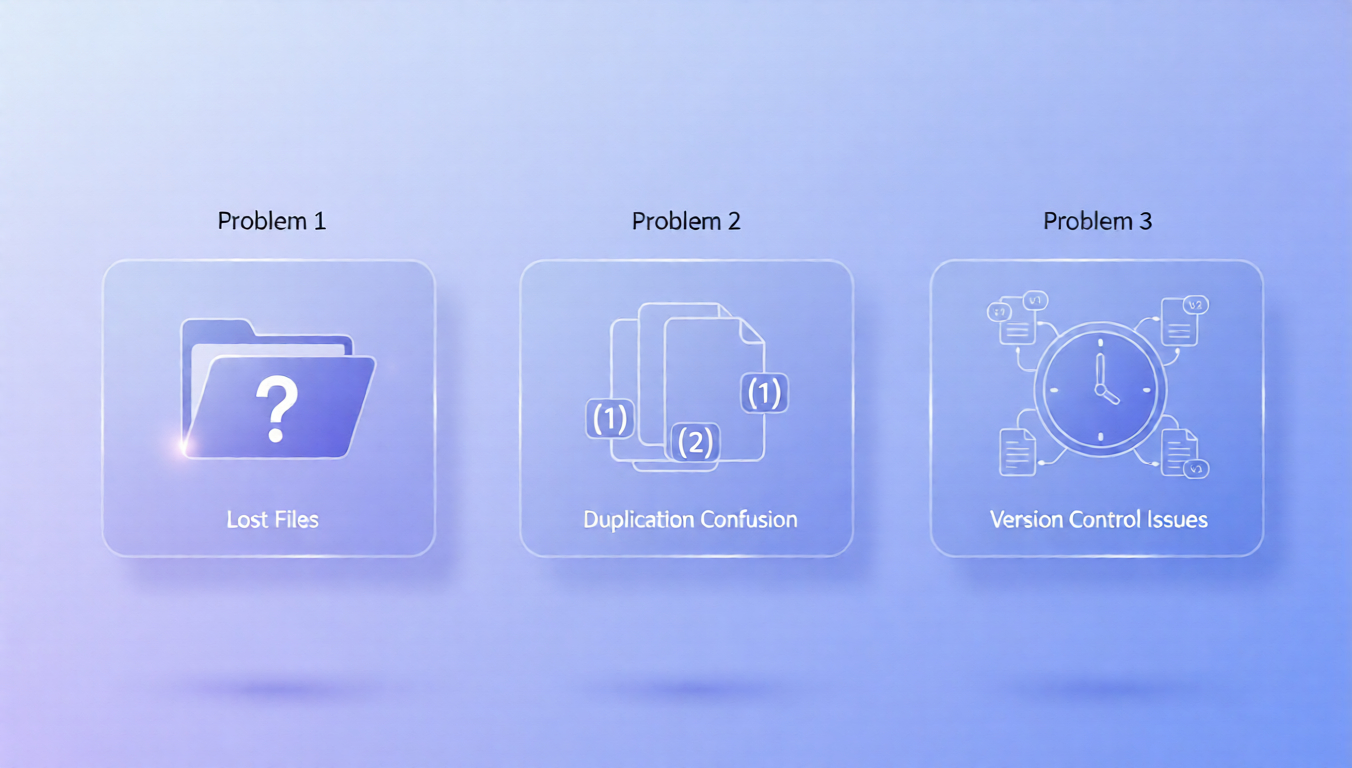
macOS has an excellent file system built in, but users must manually sort and organize files themselves. While Finder offers Smart Folders and tagging systems, few users actually utilize them effectively. As a result, most Mac users face three common problems:
Difficult to remember where files are saved. Hastily downloaded files typically go to the default folder, and as time passes, finding those files becomes increasingly difficult.
Duplicate files keep accumulating. It is common to download the same file again without realizing you already have it. Browsers automatically append numbers like filename(1), filename(2), consuming storage space before you even notice.
Hard to identify which file is the latest version. When multiple files with similar names exist, distinguishing which one is the most recent is not straightforward.
These problems go beyond mere inconvenience and lead to decreased work efficiency. Time is wasted searching for files, and mistakes are made using the wrong versions.
The Birth of Ornix: Where Order Meets Matrix

Ornix was born from this awareness of the problem. The app name is a combination of Order and Matrix, embodying the meaning of bringing order to files. The core philosophy is to place scattered files within a systematic matrix, helping anyone easily find and manage the files they need.
The concern that started with the Downloads folder naturally expanded to a broader scope. What good is a clean Downloads folder if all other folders remain messy? This desire for comprehensive organization determined the direction of Ornix.
Ornix was designed to solve file organization difficulties that every Mac user experiences. Without complex settings or specialized knowledge, simply running the app maintains a clean folder structure. It offers accessibility that all Mac users can easily utilize, not just developers or power users.
Core Features of Ornix
Smart Automatic File Sorting

The most essential feature of Ornix is automatic file categorization by type. When new files are added to designated folders, Ornix automatically recognizes the file type and sorts them into appropriate folders. PDF documents go to the Documents folder, image files to the Images folder, music files to the Music folder. All automatically.
Users do not need to move files one by one. Ornix quietly works in the background. Every morning when you open your folders, you will find the previous day's files neatly organized. The advantage goes beyond simply moving files. It suggests folder structures optimized for file types and configures classification systems according to user work patterns, significantly reducing search time.
Intelligent Duplicate File Handling
Another strength of Ornix is its smart approach to handling duplicate files. Downloading the same file multiple times is extremely common. Typically, these files keep stacking up as filename(1), filename(2), wasting storage space and cluttering folders.
Ornix solves this problem fundamentally. When new files are added, it automatically checks whether identical or similar files already exist. When duplicates are detected, it suggests appropriate handling methods or processes them automatically according to preset rules. This prevents unnecessary duplicate files from accumulating and enables efficient storage space management.
User-Centered Design Philosophy
The aspect most carefully considered in designing Ornix was how to create the right folder structure. For a file organization app to be effective, it must not simply move files but create a structure where users can intuitively find files.
To achieve this, Ornix adopted a classification system that allows quick access by file type. By categorizing files into major categories like documents, images, music, videos, and archives, users can quickly access the file types they want. This design was made with all Mac users in mind. Even users unfamiliar with technology should be able to use it immediately without separate learning.
Differentiation from Existing Solutions
Several file organization apps for Mac already exist, from powerful automation tools like Hazel to comprehensive system management apps like CleanMyMac. So how does Ornix differentiate itself?
| Feature | Ornix | Traditional Tools |
|---|---|---|
| Setup Required | Minimal | Complex rules needed |
| Learning Curve | Instant use | Requires tutorials |
| Focus | File organization only | Multiple features |
| Duplicate Handling | Smart & automatic | Manual or basic |
Low barrier to entry. Some file organization apps require manually setting up rules or writing scripts. Ornix is designed to be usable immediately without separate configuration, allowing anyone to easily start organizing files.
Specialized focus. Comprehensive system management apps offer various features beyond file organization, but this can make them heavy and complex. Ornix focuses on the single purpose of file organization, providing a lightweight and efficient user experience.
Superior duplicate handling. Beyond simply categorizing files, the smart duplicate file processing feature is a key differentiator. This feature alone can free up significant storage space and keep folders clean.
The Future of Ornix

Ornix plans to continuously evolve based on user feedback. Future updates will include:
- Folder Numbering: Assign order to folders and sort them as you prefer
- Detailed Subfolder Creation: Additional categorization into screenshots, photos, design files within the Images folder
- Archiving Functionality: Store old or infrequently used files separately while keeping the main folder clean
- Existing Folder Cleanup: Clean up already messy folders all at once, not just newly added files
Clean Folders, Efficient Work
File organization may seem like a small thing, but it affects daily productivity. When you can find needed files immediately, workflow is not interrupted. When storage space is managed efficiently, unnecessary concerns are reduced.
Ornix helps Mac users minimize the time and effort spent on file organization, allowing them to focus on more important tasks. If you have found file organization tedious, if you are tired of messy folders, start a new file management experience with Ornix. Born from the meeting of Order and Matrix, Ornix will bring order to your Mac.
Ornix is an automatic file organization app for macOS. Available for download on the Mac App Store.